Dascom DC-7600 User Guide V1.0
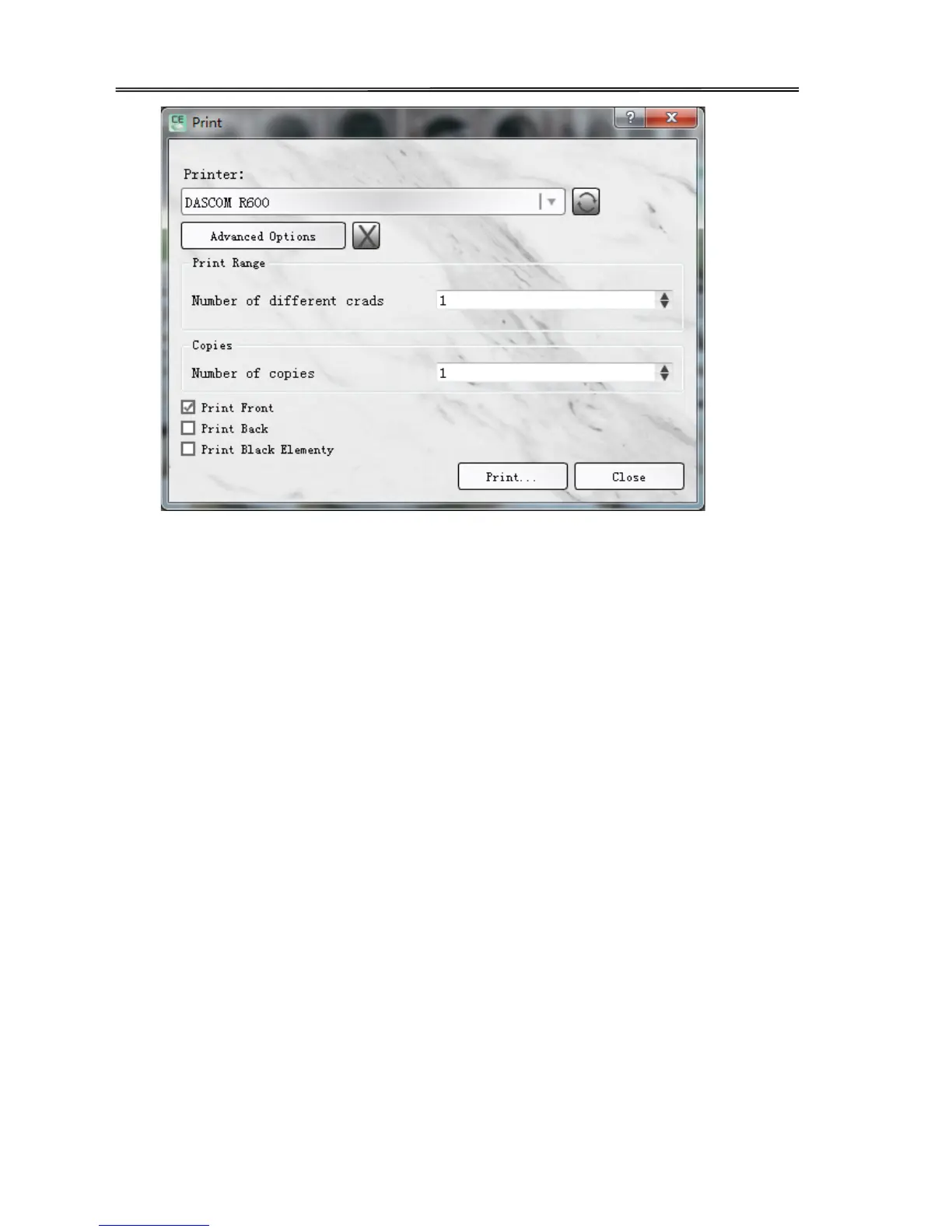
(6) If you want to modify the driver settings, such as card direction, single side or double-sided
printing, card modification or processing, you can click "advanced option" to change the driver.
As for popup print Settings, and then click "ok" to save Settings. Then click "print".
The main selections are “card”, ”graphic setting”, ”graphic setting(reverse side)” and
“maintenance”.
“Card” Tabs
• The printing side
User can choose front/ reverse side to print. Printer can print the image on the card reverse side
and can also split the different color of the ribbon.
• Card direction:
Portrait or landscape
• Print quantity
• Rotation
Rotate 180° printing on the front/reverse side.
• Ribbon tabs
User can choose the card type manually and also check the printer ribbon type automatically.
• Card thickness
Choose thick: available for card with thickness of 0.76cm, 0.88cm and 1.00cm.
Choose thin: available for card with thickness of 0.48cm.
46



 To Next Page