Dascom DC-7600 User Guide V1.0
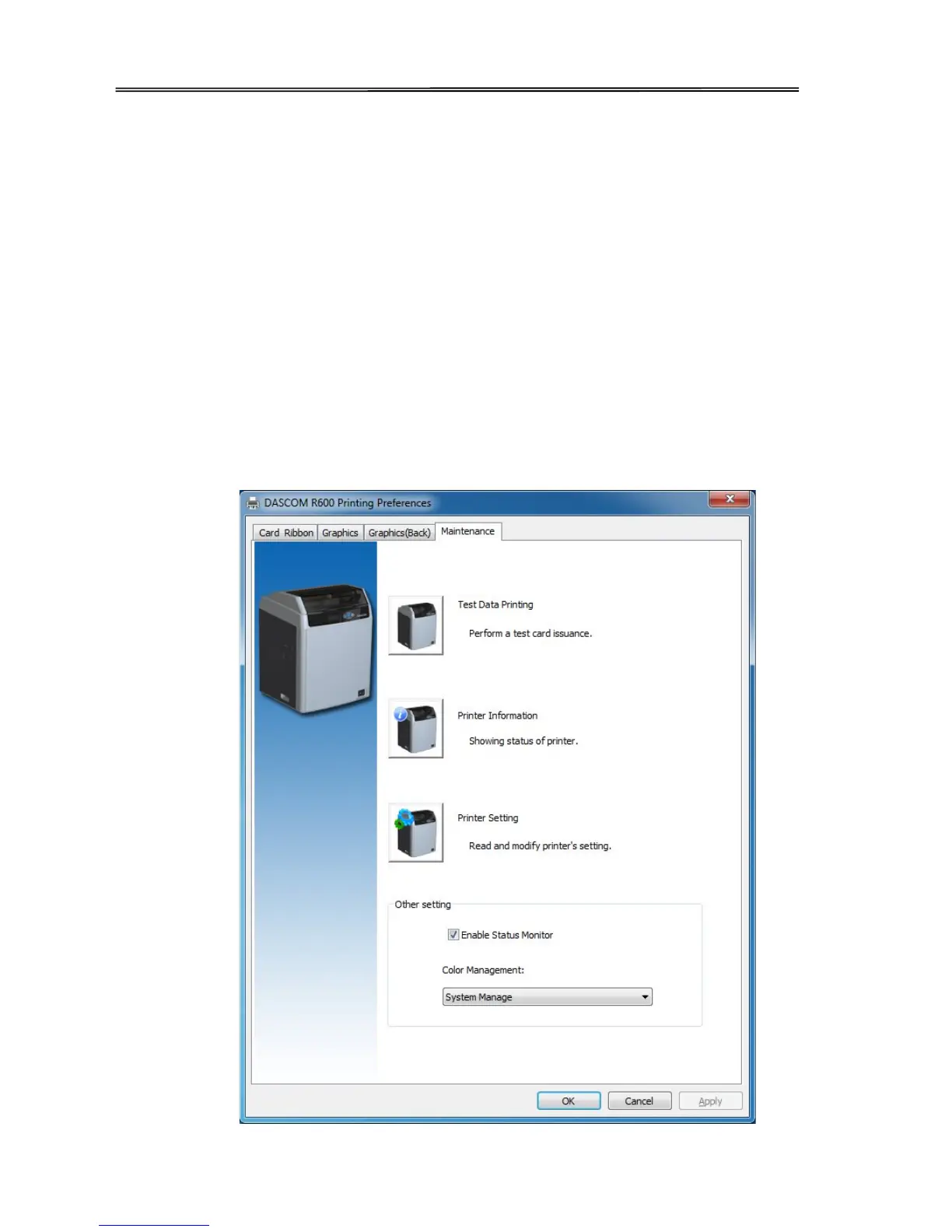
“Maintaining” Tabs
• Printing test
Print the test content.
• Printer information
User can check the printer DPI, the maximum printing area and minimum printing area.
• Printer parameter setting
User can read the detailed printer parameter.
• Showing the printer status monitor
Decide whether the monitor pops up during printing.
• Color management
Processing optimization of Color can make the color more consistent with the color displayed by the
software.
51



 To Next Page