Dascom DC-7600 User Guide V1.0
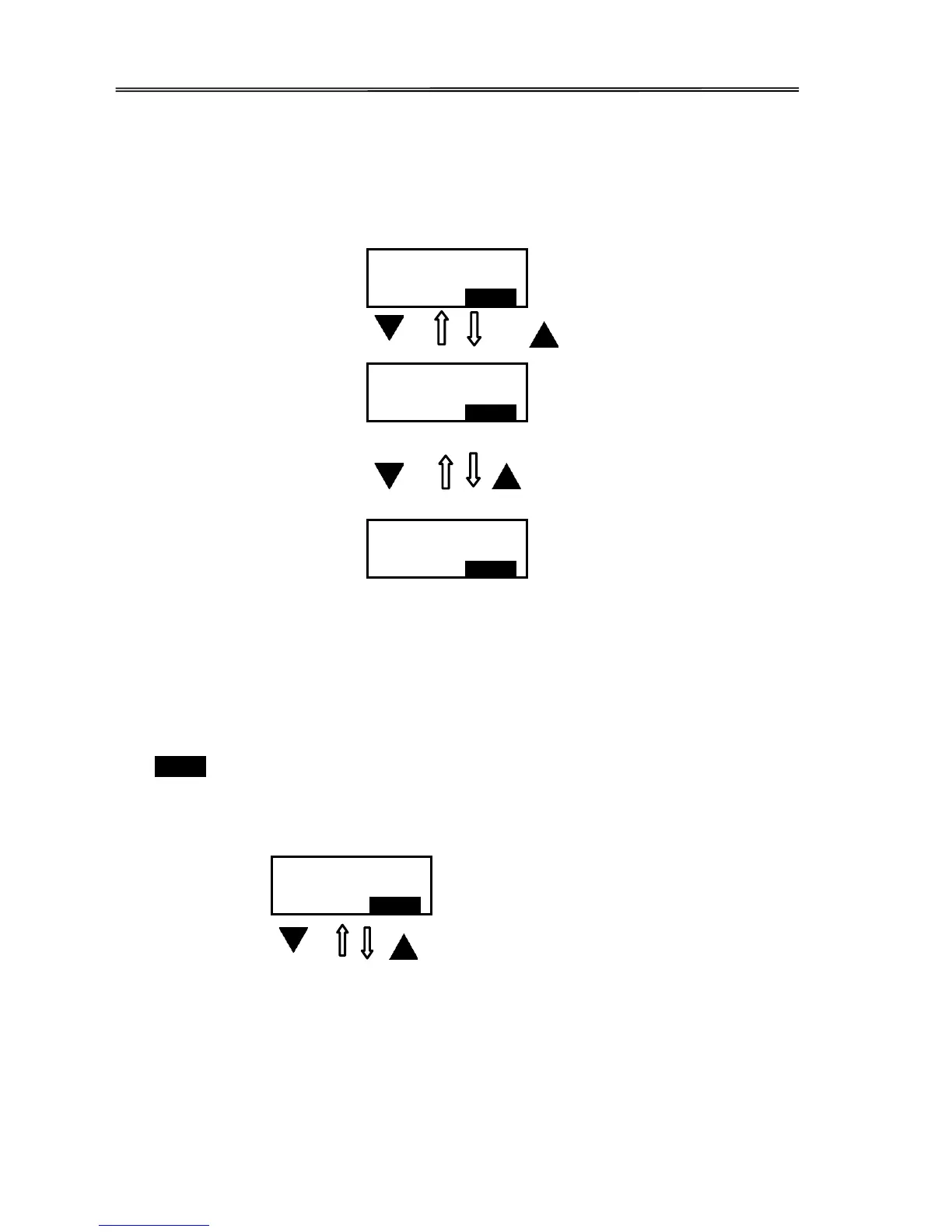
Moving between menus in the same level
Section 3.3 lists out eleven menus in the same level, from Printer Info, Version Info, ... to
Reset User Default. Consecutively pressing ▼/▲ keys leads to your designated menu. For
example:
Entering a sub-menu (go down one level in the menu hierarchy)
Sections 3.3.1~3.3.11 are the sub-menus associated with the corresponding parent menus
listed in Section 3.3.
When SET: >> appears on the second line of the menu, pressing SET Key enters available sub-
menus or parameter values. Below, the right menu is the sub-menu of the left one.
Version Info



 To Next Page