Handbuch Datafox EVO 3.5 Pure Seite 17 Datum: 06.08.2018 Version: 04.03.07.XX
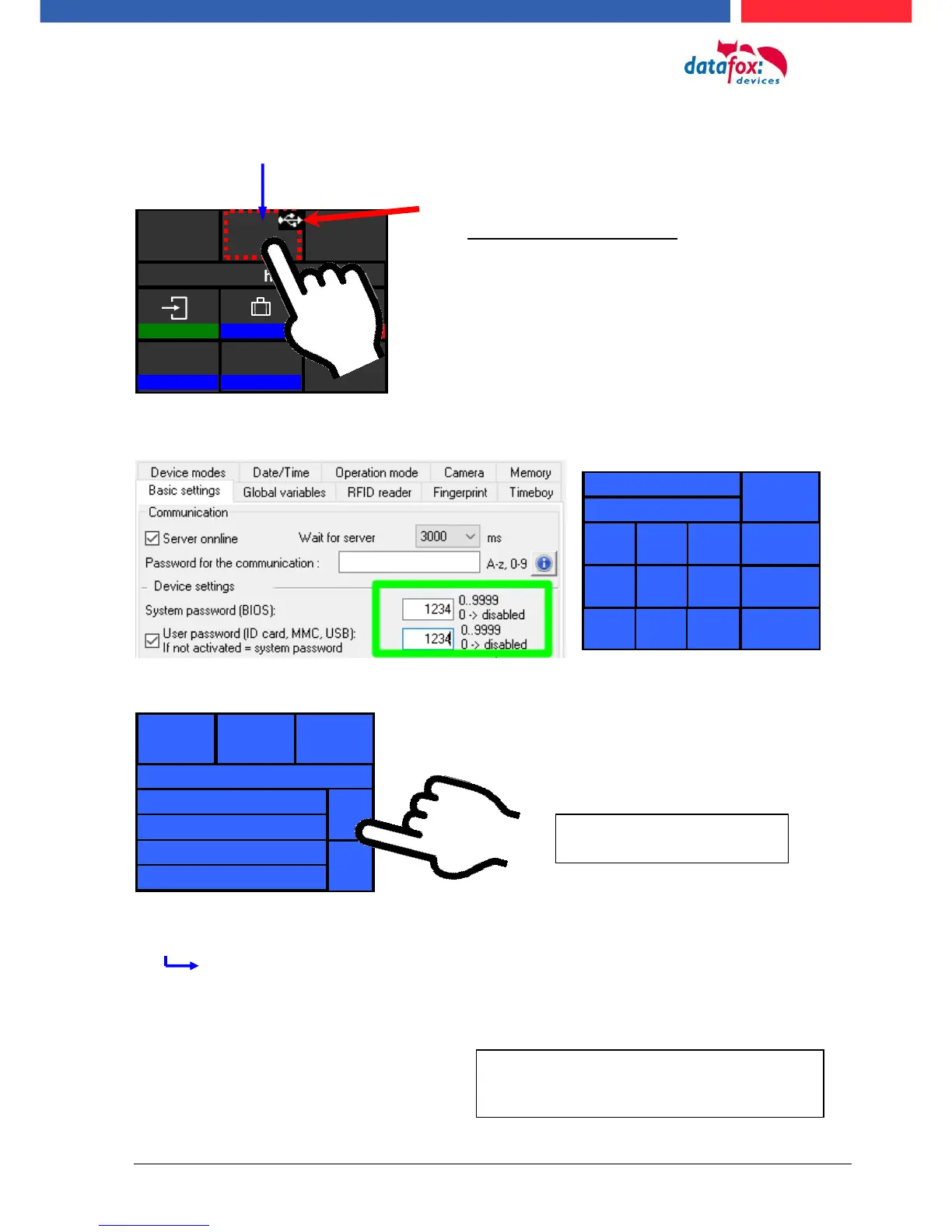
5.3.2.2. Structure Display EVO 3.5 /2.8 Pure "in the Bios menu
You get into the bios menu when you press the tile company logo for two seconds.
If a bios password is set, you are able to enter it here.
Display in Bios Menu:
General information:
Firmware Info
last message / no message available
transponder test
memory consumption
signal volume
provider
data storage 3068kB
list storage 1028kB
The respective submenus should be self-
explanatory. The respective display depends
on the hardware equipment.
To select each menu, simply
tap on it with your finger.
Display of the status icons:
Tap the logo briefly to display the status icons.
You can also change the display of the icons in
the user settings to:
Constantly in place of the logo
Constantly in the "ESC" tile
For 60 seconds instead of the logo
off



 To Next Page