Handbuch Datafox EVO 3.5 Pure Seite 37 Datum: 06.08.2018 Version: 04.03.07.XX
5.8.5.1. Communication TCP / IP via network-cable
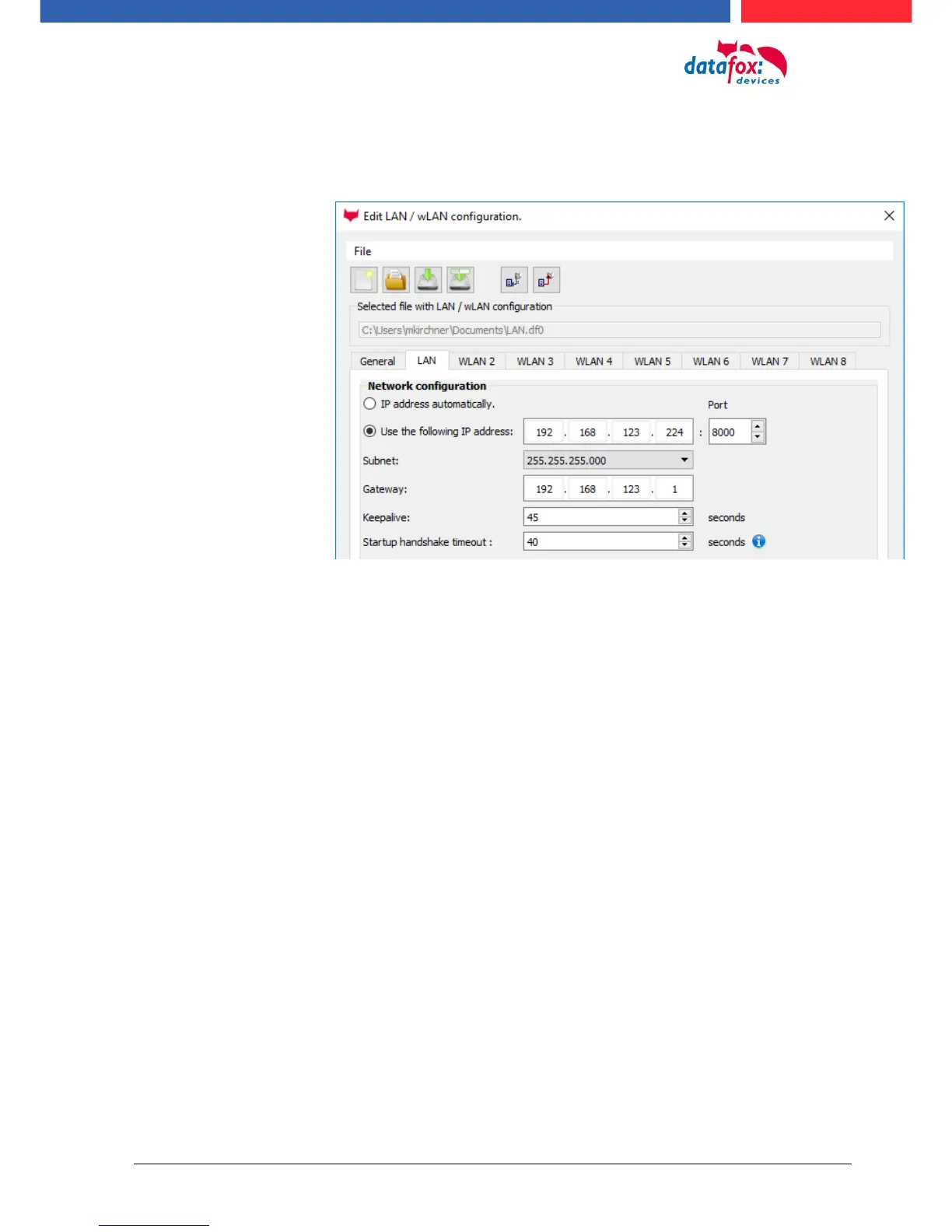
You can make the IP settings on the "LAN" tab.
For devices with display, the IP address can also be entered directly on the device.
Press ESC and ENTER simultaneously to enter the Bios menu of the device.
More information can be found in the chapter „bios menu“.



 To Next Page