18 M-Class
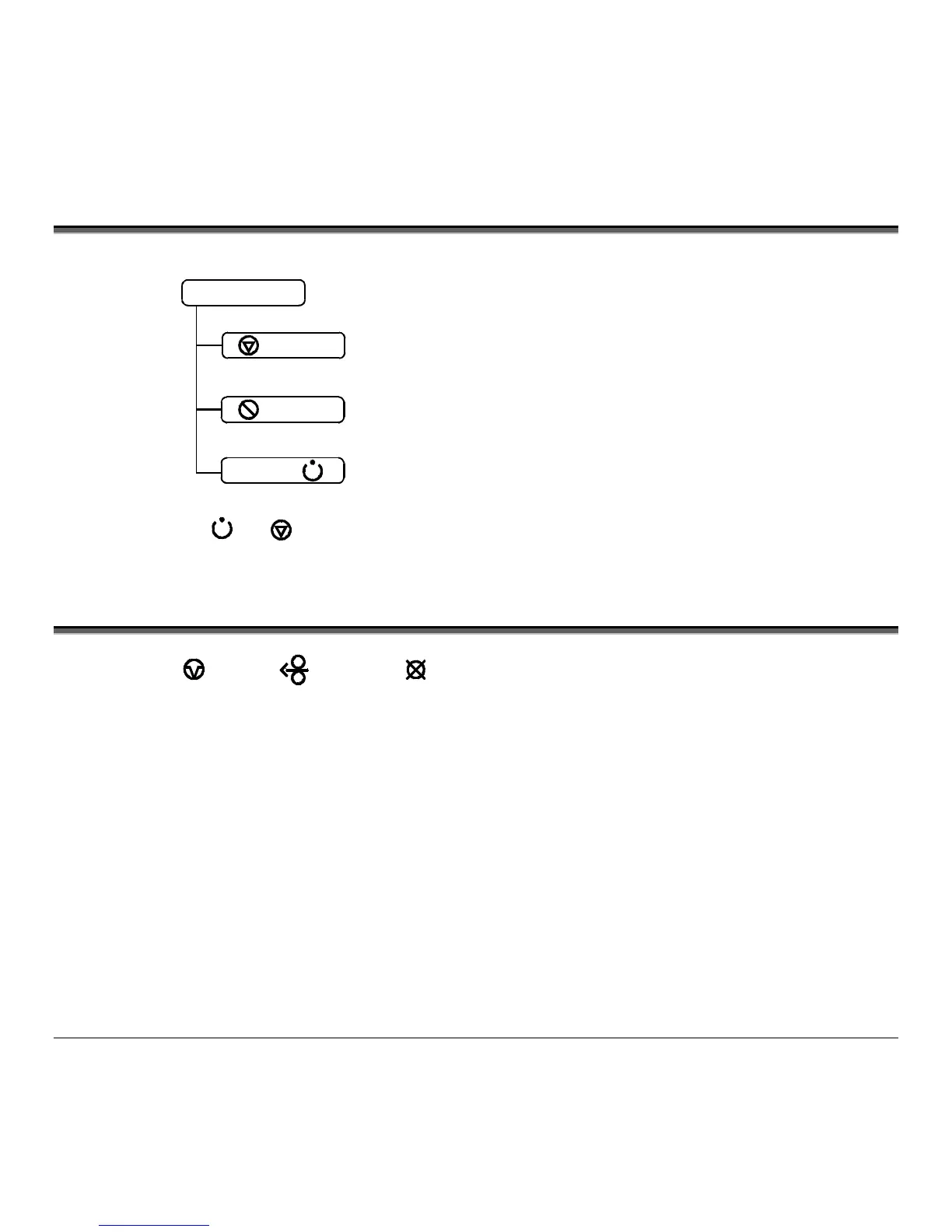
4.1 Lights
Normal Mode
(Normal power-up)
STOP
Solid On:
Indicates the printer is in the ‘Paused’ state
Flashing:
(When using the Peel & Present Option) Indicates
a label is presented to the operator.
Indicates a top of form or mechanical error has occurred
Solid On: Indicates the printer is on and ready for printing
Flashing: Indicates the printer is receiving data from the host
ERROR
READY
Both the
READY
and
STOP
Lights will be on during power-up initialization and a warm reset.
4.2 Buttons
The three buttons,
PAU S E
,
FEED
, and
CANCEL
perform different functions based on the printer’s
operational mode. The printer operates in one of the following modes:
Normal: Normal printer functions. See Section 4.3.
Express Setup: Allows quick access to the most common printer settings, (Sensor Type, Media Type, and Option Control. See
Section 4.4.
Printer Setup: Allows changes to the printer’s operational settings. See Section 4.5.
Calibration: Allows the ‘calibration’ of the media being used for the correct sensing of the top of form. See Section 4.7.












 To Next Page