AP25 Installation and Operating Guide Page 80
AP25 Installation & Operating Guide Document # 9301H79500 Ver. 1.00
Dirac Optimization (option)
The Dirac Optimization button only appears if the DiracLive
®
option is installed. The Dirac
Live setup procedure must be used to copy Dirac configuration filter set files to the AP25 before
this screen becomes functional.
Menu (System) > Formats > Audio EQ Setup > Dirac Optimization
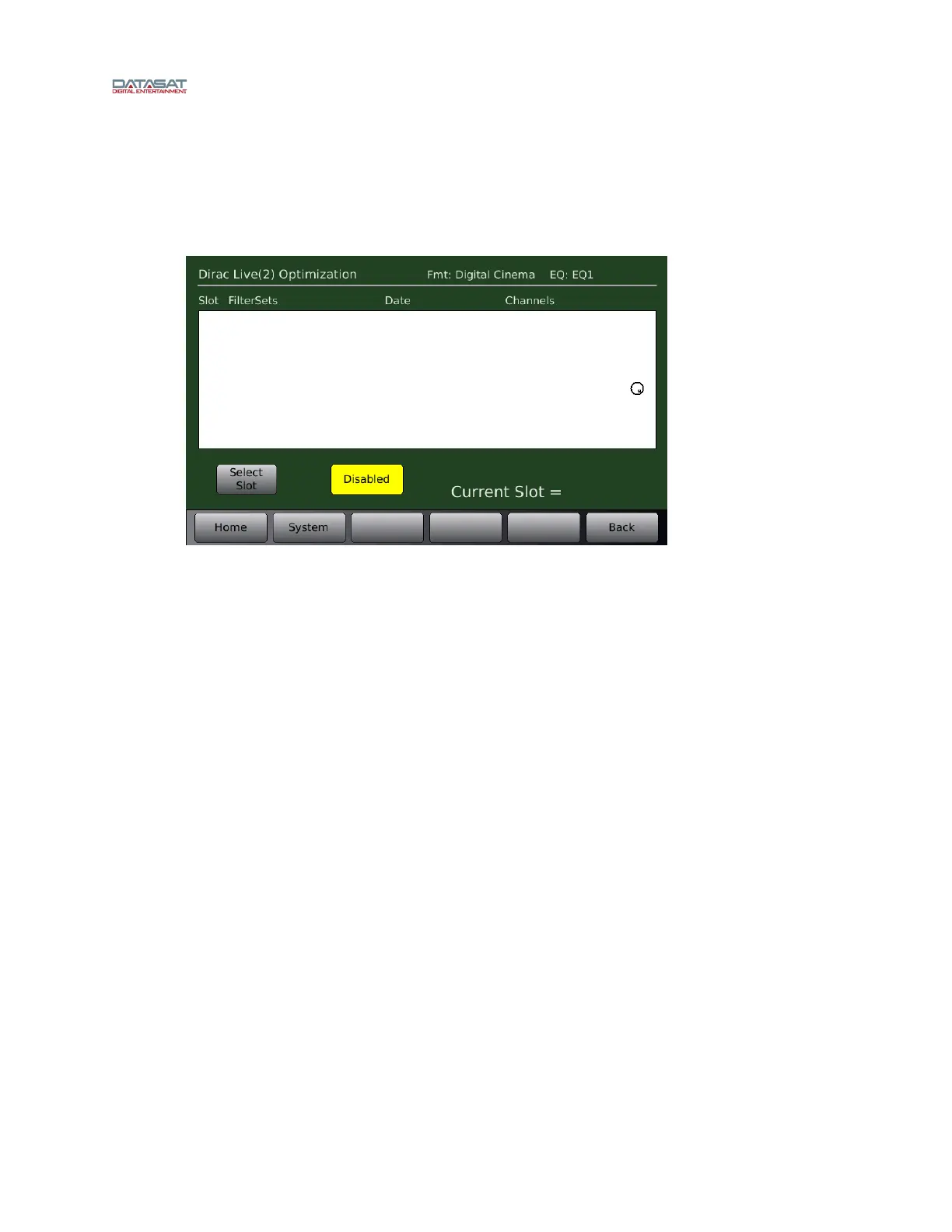
Figure 56. Dirac Optimization Screen
Dirac Live Optimization Enabled/Disabled – Touching the button will toggle between
enabling and disabling the Dirac Optimization.
Current Slot – Displays the name of the current Dirac filter set.
Select Slot – Select a saved configuration from the list in the box above, then touch the Select
Slot button. This configuration will now become the current Dirac configuration.
4.3.7.4
1
1: Room A 2/14/2018,11:36 1,2,3,4,5,6,7,8,13,14,15
2: Room B 2/14/2018,11:57 1,2,3,4,5,6,7,8,13,14,15
3: Room C 2/14/2018,12:17 1,2,3,4,5,6,7,8,13,14,15



 To Next Page