24
Please follow following steps for using the IP Stream to be the input source of the
NVS-40.
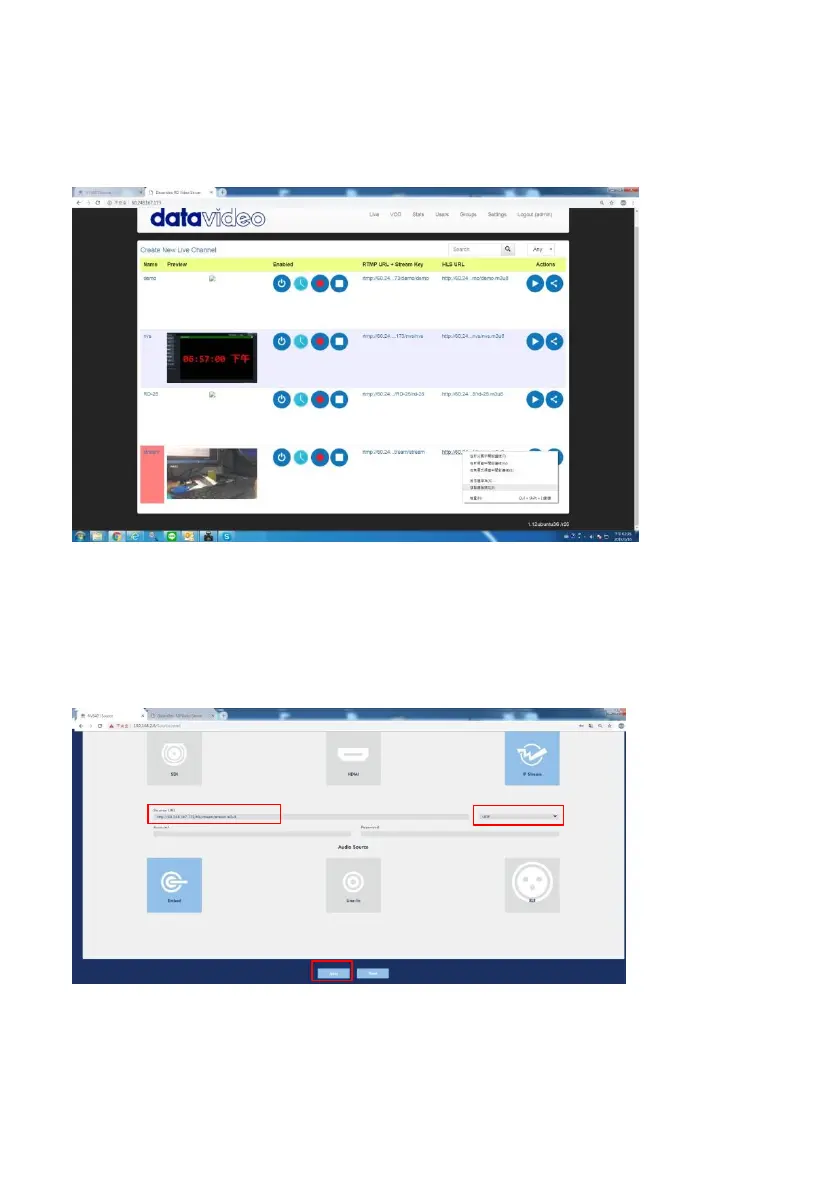
Step 1. Please copy the streaming address from the streaming source.
Step 2. Please click “IP Stream” from the web UI of the NVS-40 and then please paste
the copied streaming address to the “Source URL” column in the IP Stream interface.
After that, please press the “Apply” button. Note: If there is no special need, please
set this “Source URL” column as UDP.



 To Next Page