25
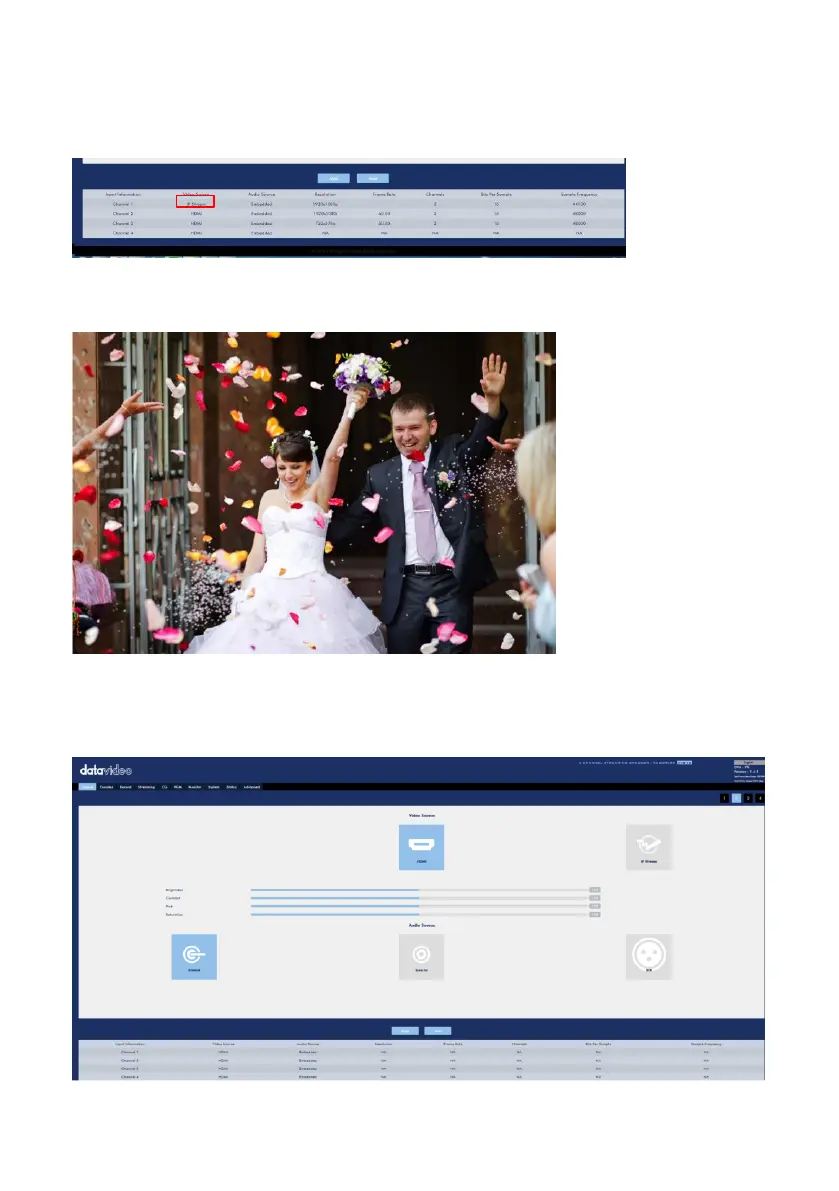
The input source related information will be shown on the bottom of the “Source”
page. If the streaming video is decoded by the NVS-40 correctly, the word “IP
Stream” and resolution will be shown.
Step 3. At this time, the NVS-40 can acquire the streaming video remotely.
The interfaces for video and audio input sources for Channel 2 to Channel 4 are
shown as following diagram.



 To Next Page