90
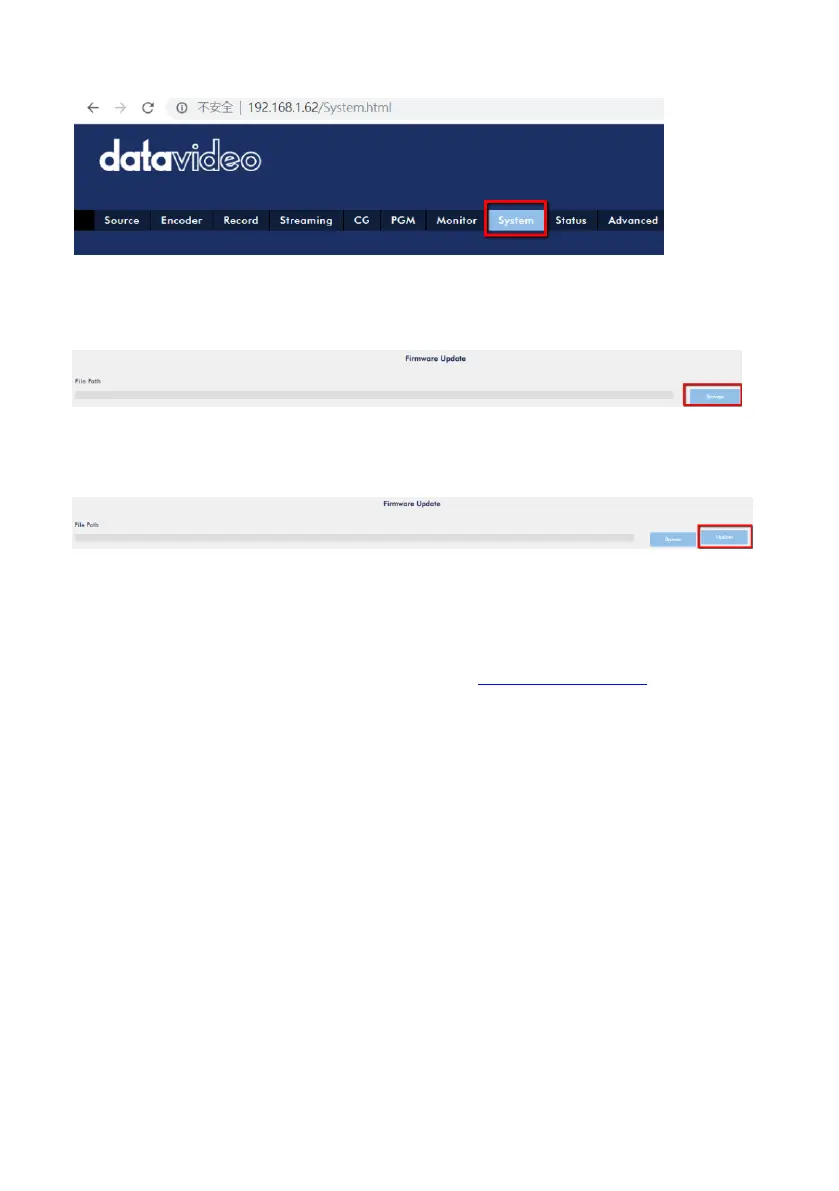
Step 11. Please press the Browse button to select the downloaded firmware.
Step 12. Please press the Update button to start your firmware update.
Updating the firmware from the front panel USB port
Step 1. Please download the latest NVS-40 firmware with the file name of
“nvs40_x_x_x.gz” from Datavideo official website www.datavideo.com
Step 2. Please save the latest firmware into a USB thumb drive with the FAT-32 file
format. After that, please insert the USB thumb drive into the front panel USB port of
the NVS-40. After that, please power off and then power on the NVS-40. Users can
see the words “System is updating” and “Please do not power off the system” on the
monitor of the external connected HDMI output. After the firmware update
procedure is finished, the system will reboot itself. After that, please log into the
NVS-40 web UI again and then the latest firmware version is shown.



 To Next Page