91
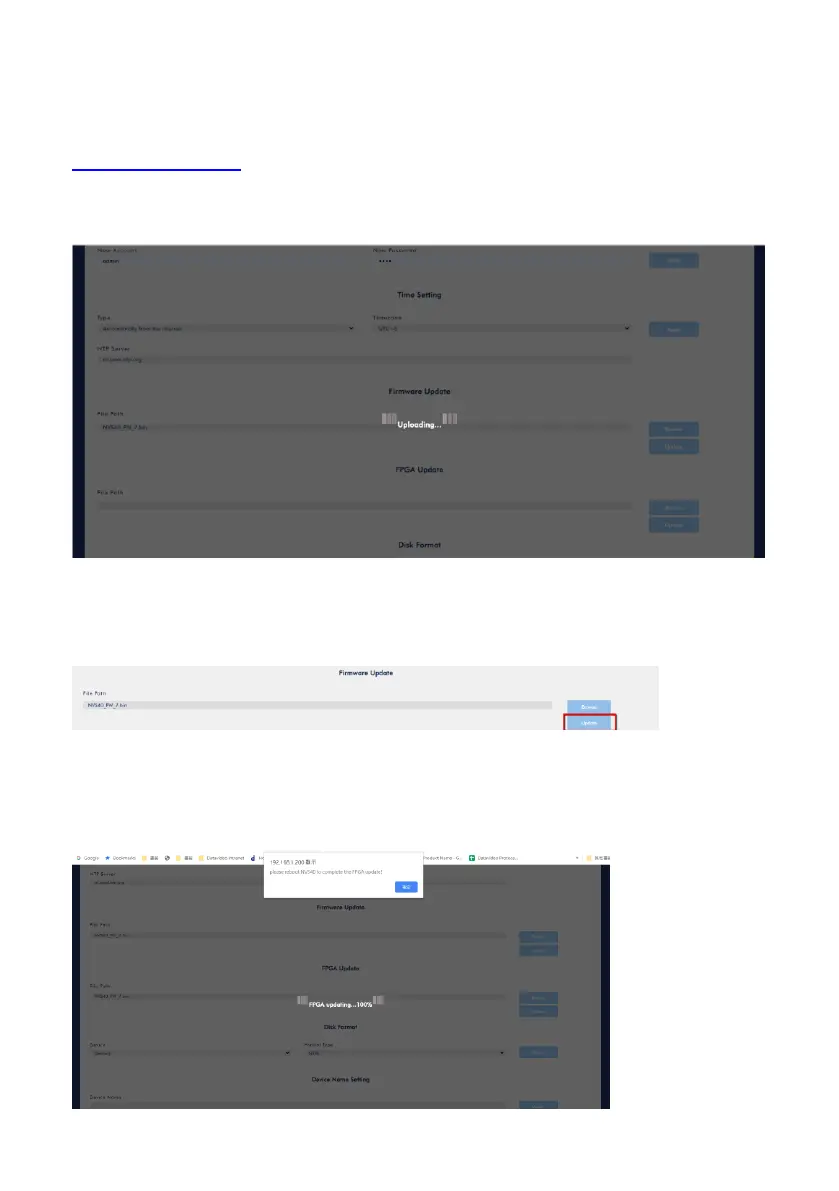
Please follow following steps for updating the FPGA of the NVS-40.
Step 1. Please download the .bin file from the Datavideo official website
www.datavideo.com for updating the FPGA.
Step 2. Please press the “Browse” button to select the latest .bin file.
Step 3. Please press the “Update” button.
Step 4. The FPGA update will be started, please wait until the percentage reaches
100%. After that, please press the “OK” button.



 To Next Page