44
Threshold: Determines how much motion is required to trigger an event – if the
amount of motion exceeds the threshold and event will occur. Recommended
threshold setting is between 10 and 50.
Right click when all regions are setup to return to the previous screen.
We recommend having a second person walk in front of the camera to test
the settings.
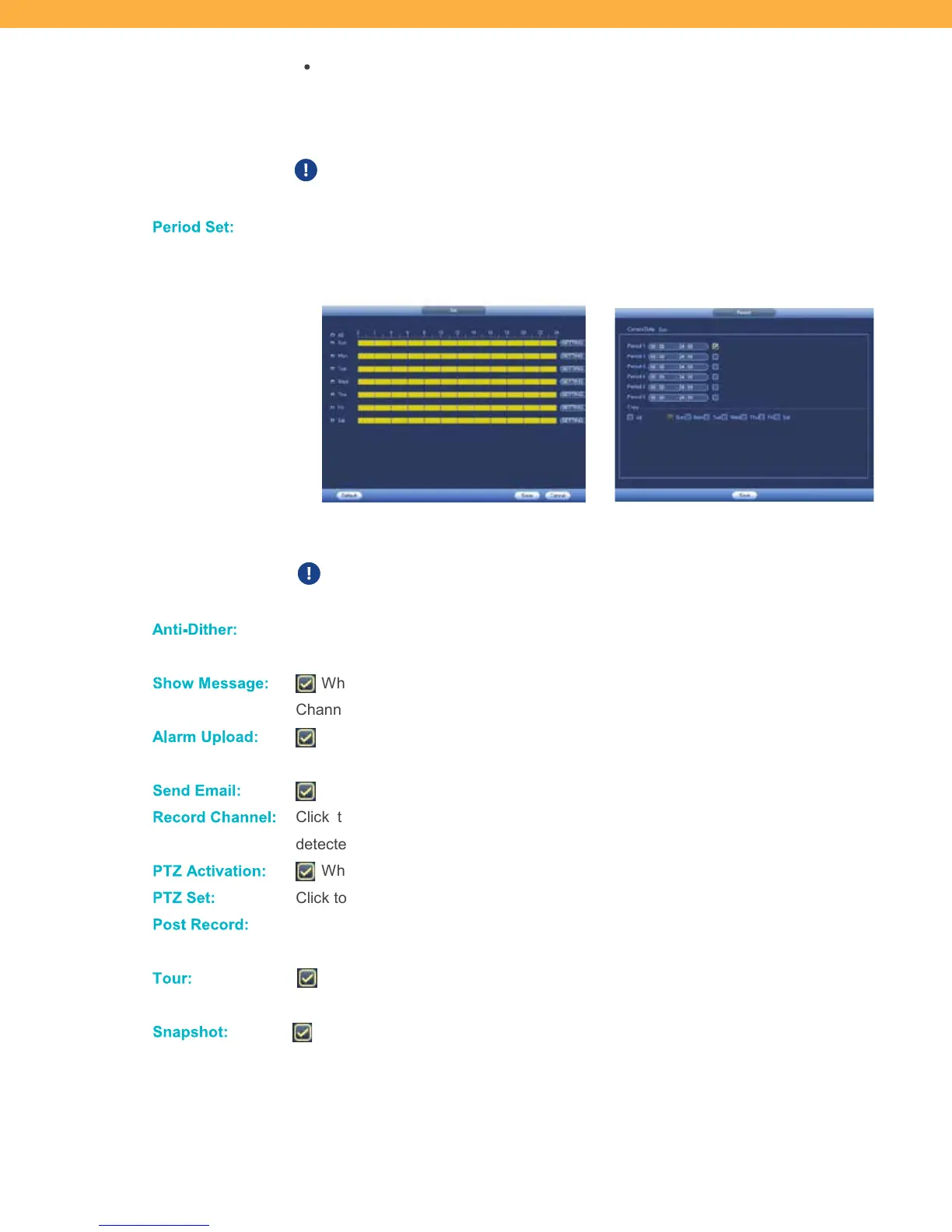
Period S et:
Click to set a schedule for when motion detection will be enabled on the selected
Channel (Camera) (ex: you can disable motion during business hours and
enable when your location is closed).
Click the period for each day to set the period (yellow is enabled – blue is disabled) or
click Setting to select the Period and Days.
This setting overrides the Schedule – recording will only occur during
times that both the Schedule and this setting are set to record.
Anti- Dithe r:
This is the number of seconds before the system will start recording when motion is
detected. Click the field to enter the number of seconds.
Show Messag e:
When selected a pop-up message will appear on-screen. The message shows the
Channel (Camera) and the type of event.
Alarm Up lo ad:
When selected this system will send any alarms detected to an additional alarm
monitoring system (ex: alarm monitoring company).
Send E mail:
When selected motion will trigger an email alert (based on the Email settings).
Reco rd Ch anne l:
Click the checkbox and the Channels (Cameras) that will record when motion is
detected on the selected Channel (Camera).
PTZ Activ ation:
When selected PTZ action is enable when motion is detected.
PTZ S et:
Click to select the PTZ actions for each Channel (Camera).
Post Re cord:
Enter the number of seconds the system will continue to record after the motion event
has been detected.
Tour :
When selected a tour of all selected PTZ cameras will start and automatically scan
the viewing area. Select the Channels (Cameras) to include in the tour.
Snapshot:
When selected the system will take a snapshot when motion is detected on the
selected Channel (Camera). Click the Channels (Cameras) that will take a snapshot
when motion is detected on this Channel (Camera).



 To Next Page