EasyManua.ls Logo

Defender 2K - Event Settings: Tampering Detection; Configuring Tampering Detection; Tampering Detection Actions

Defender 2K
69 pages
Print Icon
To Next Page IconTo Next Page
To Previous Page IconTo Previous Page
Loading...
46
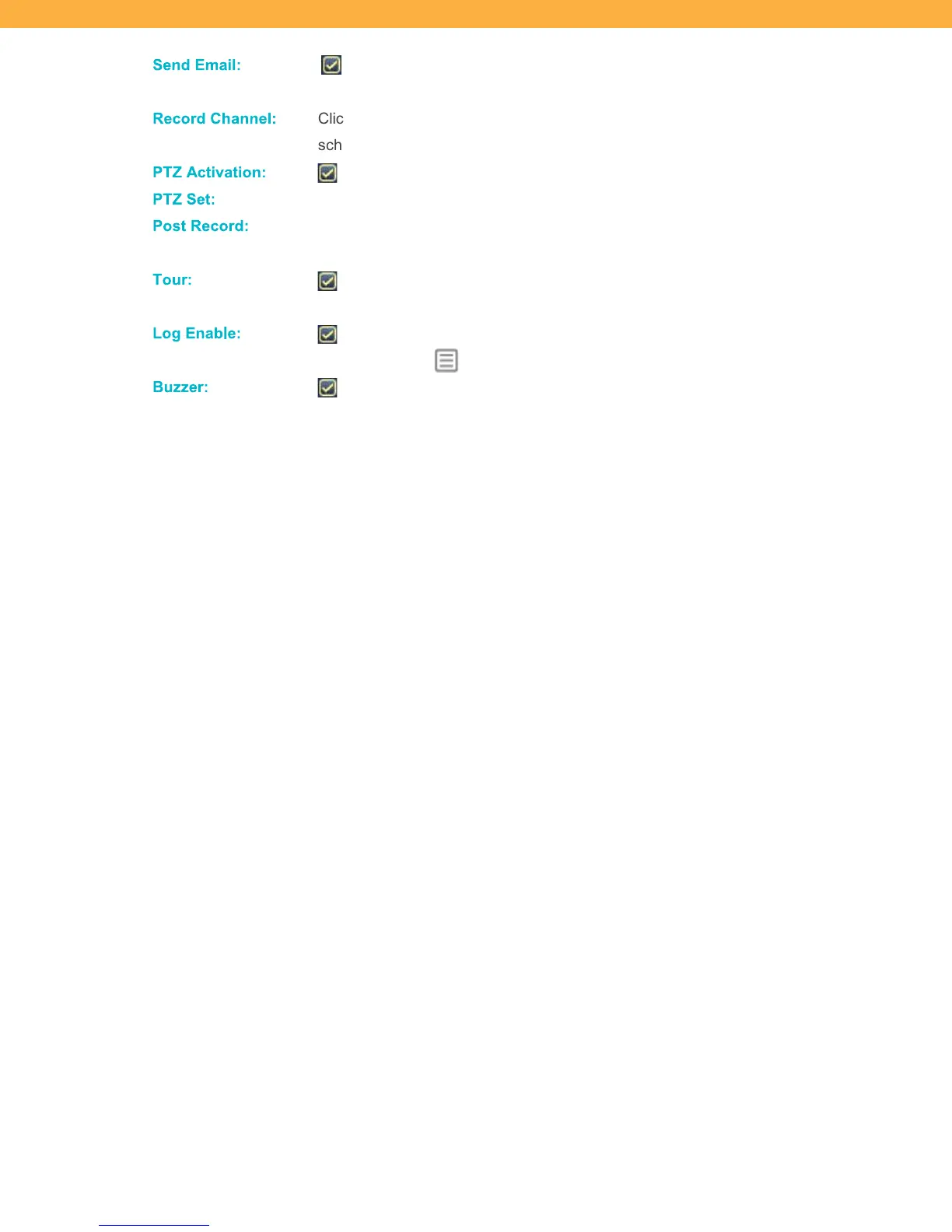
Send E mail:
When selected the system will trigger an email alert (based on the Email
settings).
Reco rd Ch anne l:
Click the checkbox and the Channels (Cameras) to include in the Video Loss
schedule.
PTZ Activ ation:
When selected the PTZ action is enable when video loss occurs.
PTZ S et:
Click to select the PTZ actions for each Channel (Camera).
Post Re cord:
Enter the number of seconds the system will continue to record after the video loss
occurs.
Tour :
When selected a tour of all selected PTZ camera will start and automatically
scan the viewing area. Select the Channels (Cameras) to include in the tour.
Log E nable :
When selected the video loss event will appear on the Log.
See Main Menu:
INFO > LOG
Bu zzer:
When selected the system buzzer will be enabled when video loss is detected.

Related product manuals