62
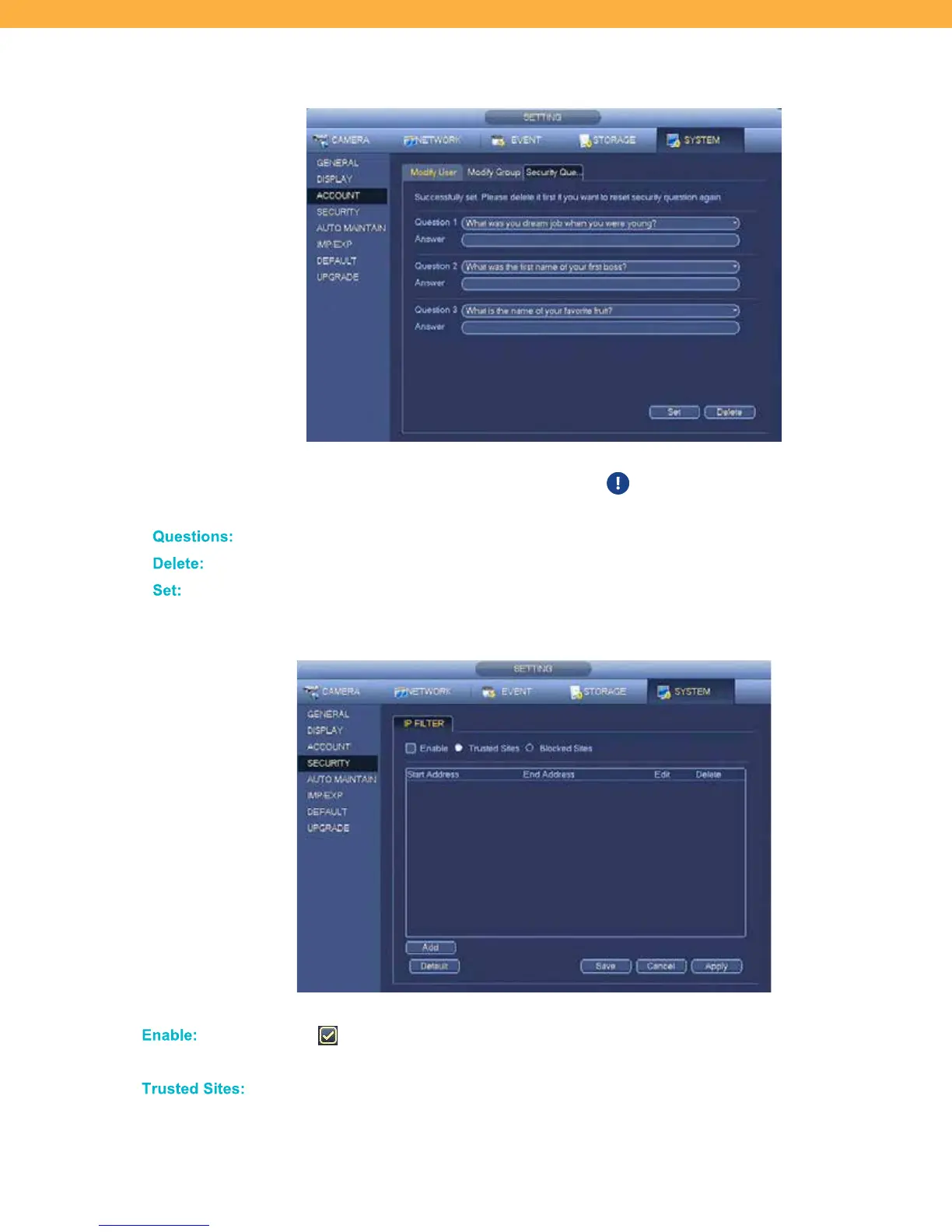
Security Questions Tab
Manage the security questions used when the admin login user has forgotten their user name or
password. Questions and answers can be changed from this tab. To Delete or change the answer
to a question, you must enter the current answer.
Click the drop down to select a question.
Enter the current answers and select Delete to change the answer or questions.
Click Set to save your changes.
SECURITY
When selected the system will allow access or block based on the sites
entered.
Click to add Trusted Sites to the list. Use the Edit or Delete options to change the
list.



 To Next Page