61
Modify Group Tab
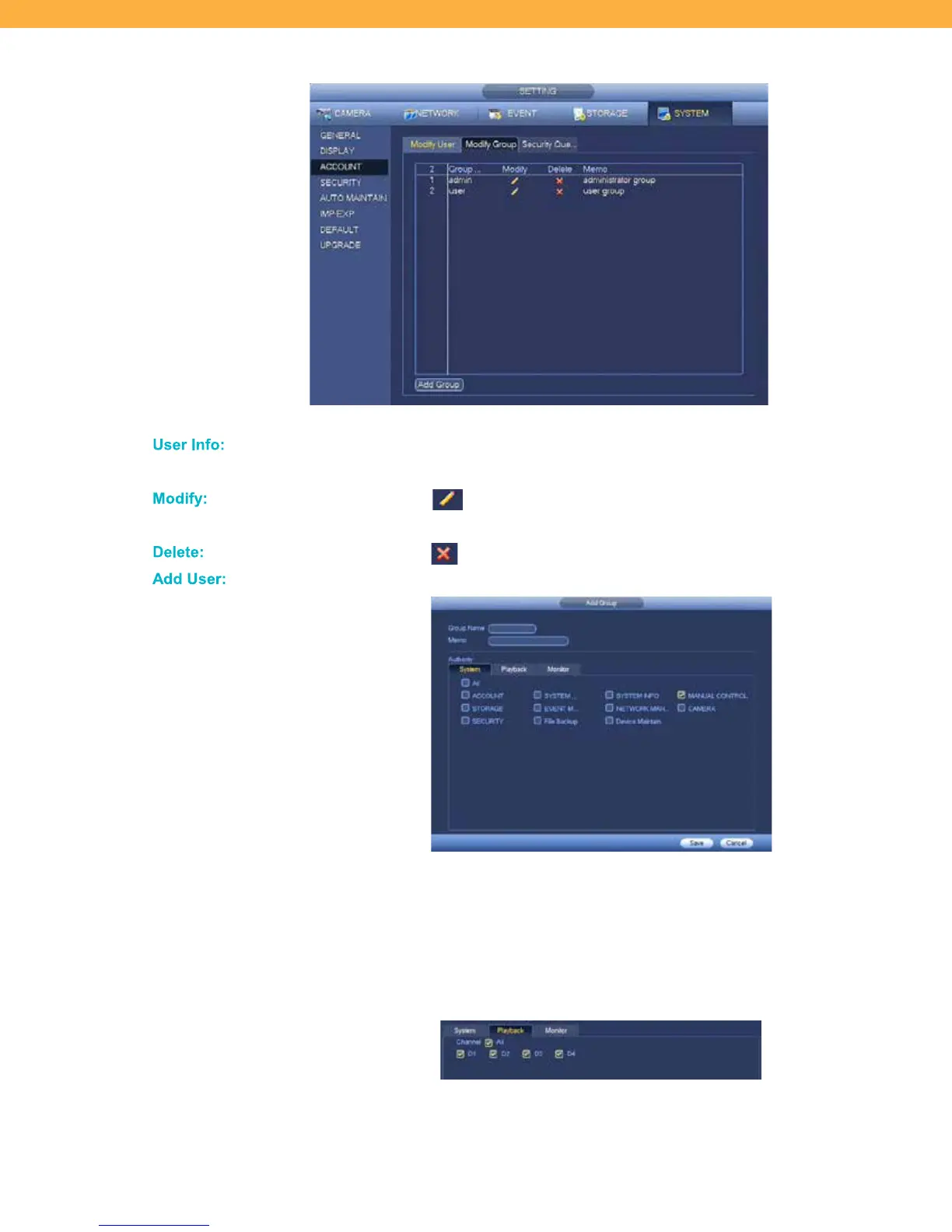
The Group tab allows you to add, delete or modify groups. You are able to add up to 20 groups.
All groups will be listed on this screen. Details shown are from the Add Group/Modify
screens
Click the Modify icon to open the User information screen – this is the same
as the Add User screen. Click Save when all changes have been made.
Click the Delete icon to remove the User from the system.
Click to add additional users to the system.
Group Name: Enter the name the user will use to login to the system.
Memo: Enter a description of the Group (example: admin, manager, etc)
Authority Levels: Select the on-screen options to allow the user access to the
system and features.
Playback & Monitor: Select Channels (Cameras) the new user will be able to
access for Playback and Monitoring.
Click All or select individual Channels (Cameras) – the options are the same for
both the Playback and Monitor tabs.



 To Next Page