65
DEFAULT
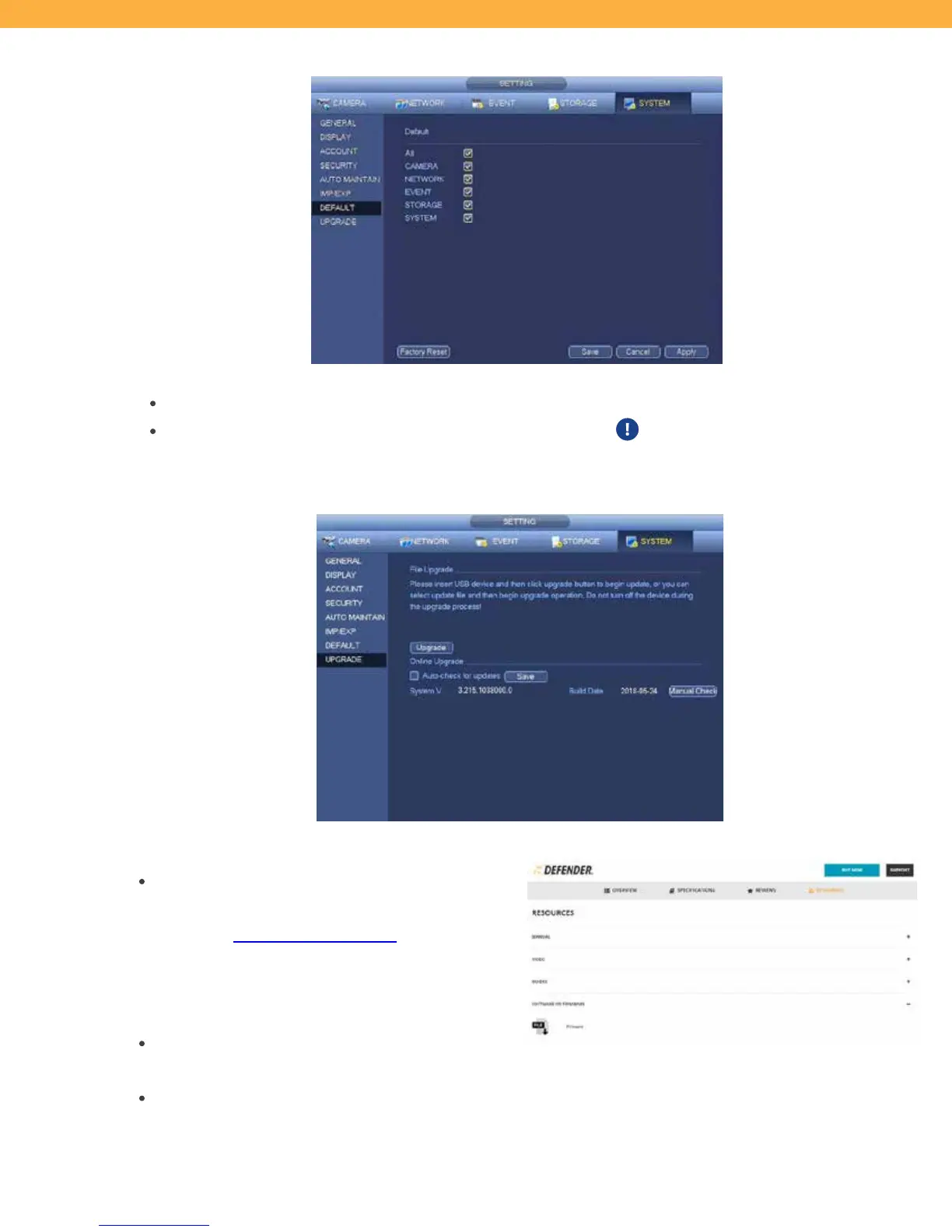
This screen allows you to reset any menu (all features) or the system to default settings.
When a Menu is selected click Apply to reset the settings.
Click Factory Reset to reset the system back of factory default.
The Setup Wizard will open when
the NVR is powered on after selecting Factory Reset.
UPGRADE
This screen allows you to Upgrade your system firmware.
Upgrade from a USB (Firmware updates are
available on the Defender website)
o Visit www.defender-usa.com and open the
2K Wireless product page
o Select Resources and Software or Firmware
o Download the file to USB
Auto Check for Updates (system must be
connected to the Internet)
Manually Check for Updates (system must be connected to the Internet)



 To Next Page