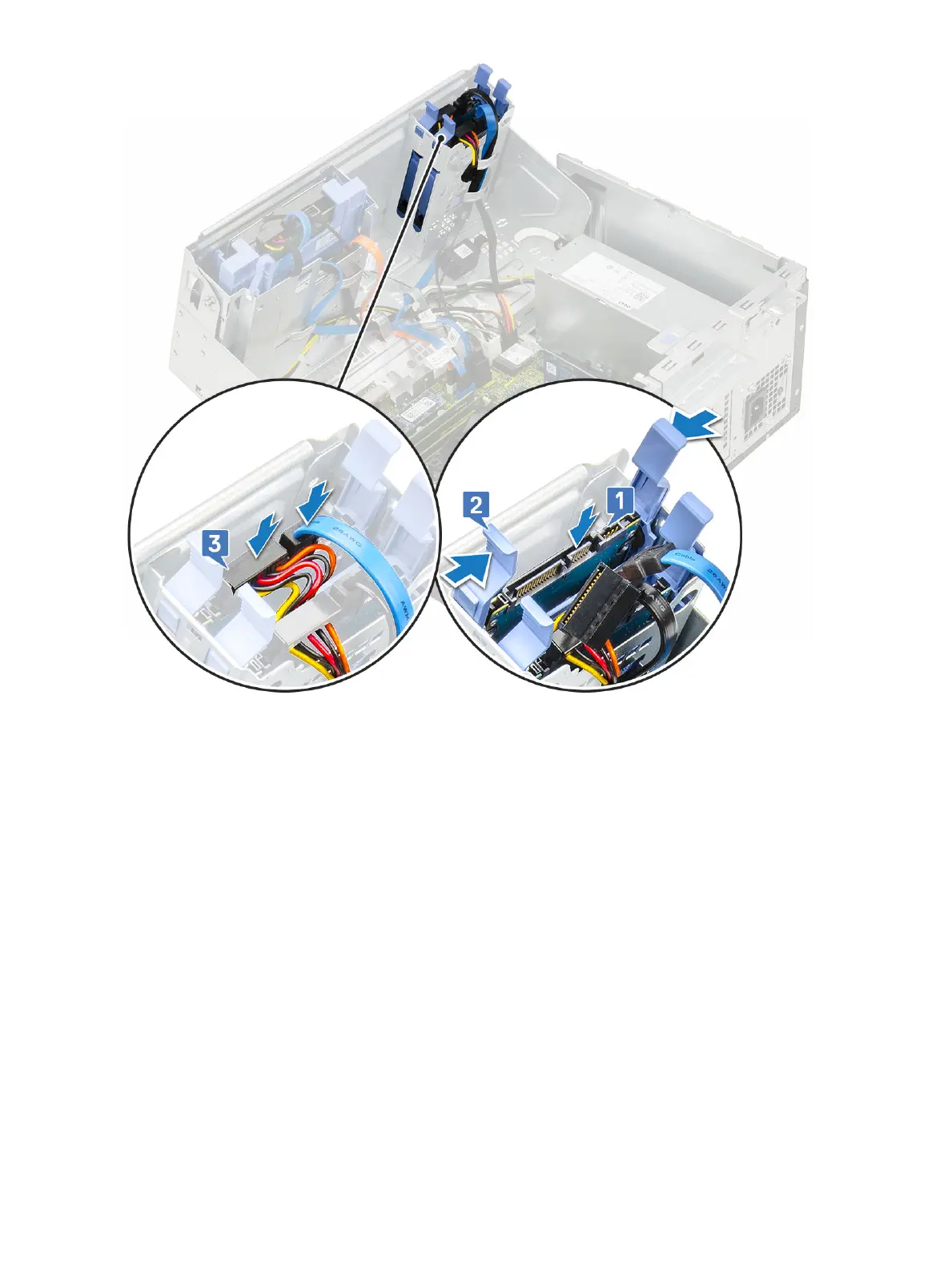
2 Close the front panel door.
3 Install the:
a Front bezel
b Side cover
4 Follow the procedure in After Working Inside Your Computer.
2.5-inch hard drive
Removing the 2.5–inch drive from the drive bracket
1 Follow the procedure in Before Working Inside Your Computer.
2 Remove the:
a Side cover
b Front bezel
c 2.5-inch hard drive assembly
3 To remove the drive:
a Pull one side of the drive bracket to disengage the pins on the bracket from the slots on the drive [1].
b Lift the drive out of the drive bracket [2].
c Remove the drive from the bracket [3].
28
Removing and installing components













 To Next Page