Installing SD card reader
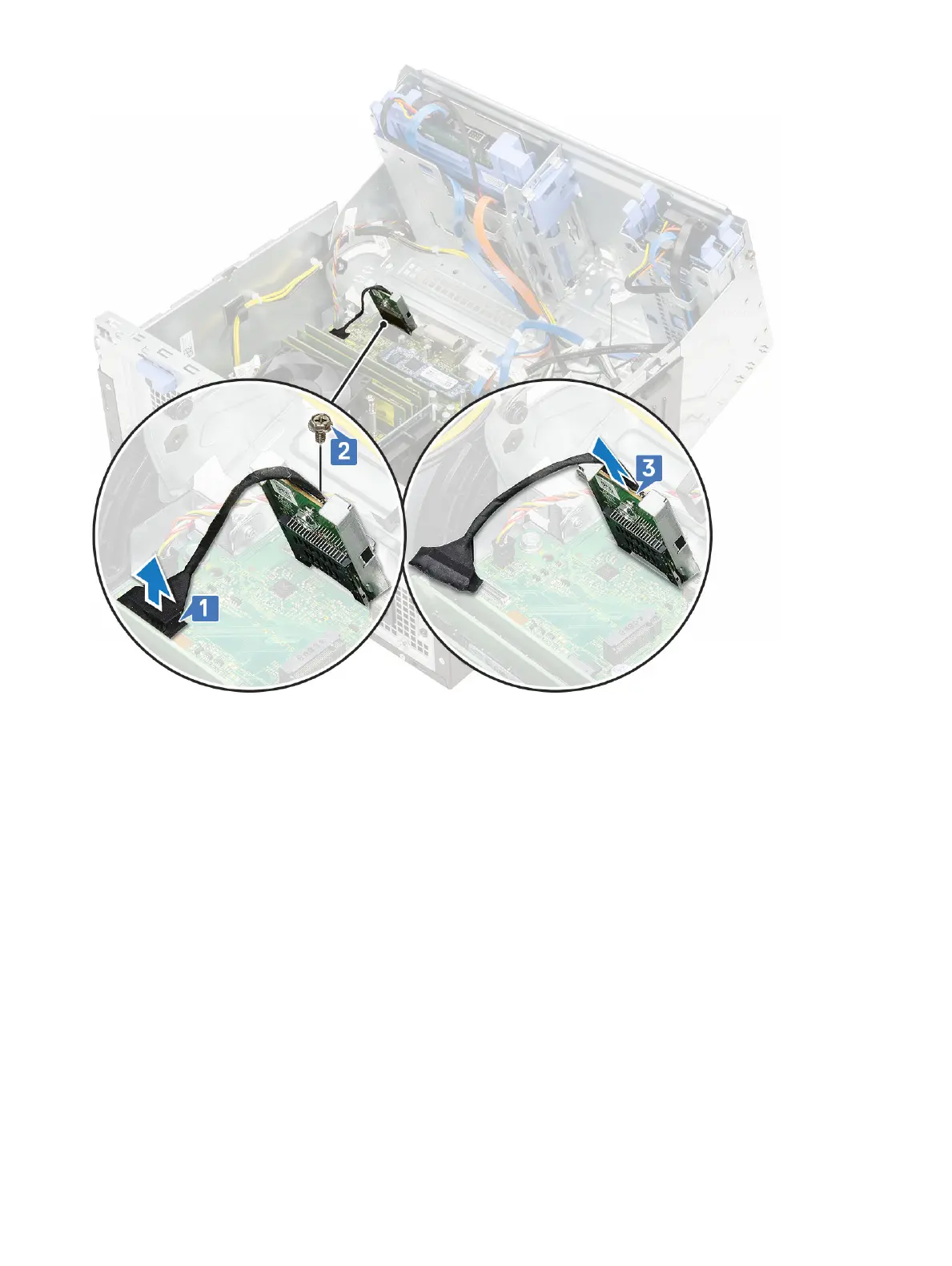
1 To install the SD card reader:
a Insert the SD card reader into the slot on the front panel door [1].
b Replace the screw to secure the SD card reader to the front panel door [2].
c Connect the SD card reader cable to the connector on the system board [3].
36
Removing and installing components













 To Next Page