Removing and installing components
Side cover
Removing side cover
1 Follow the procedure in Before working inside your computer.
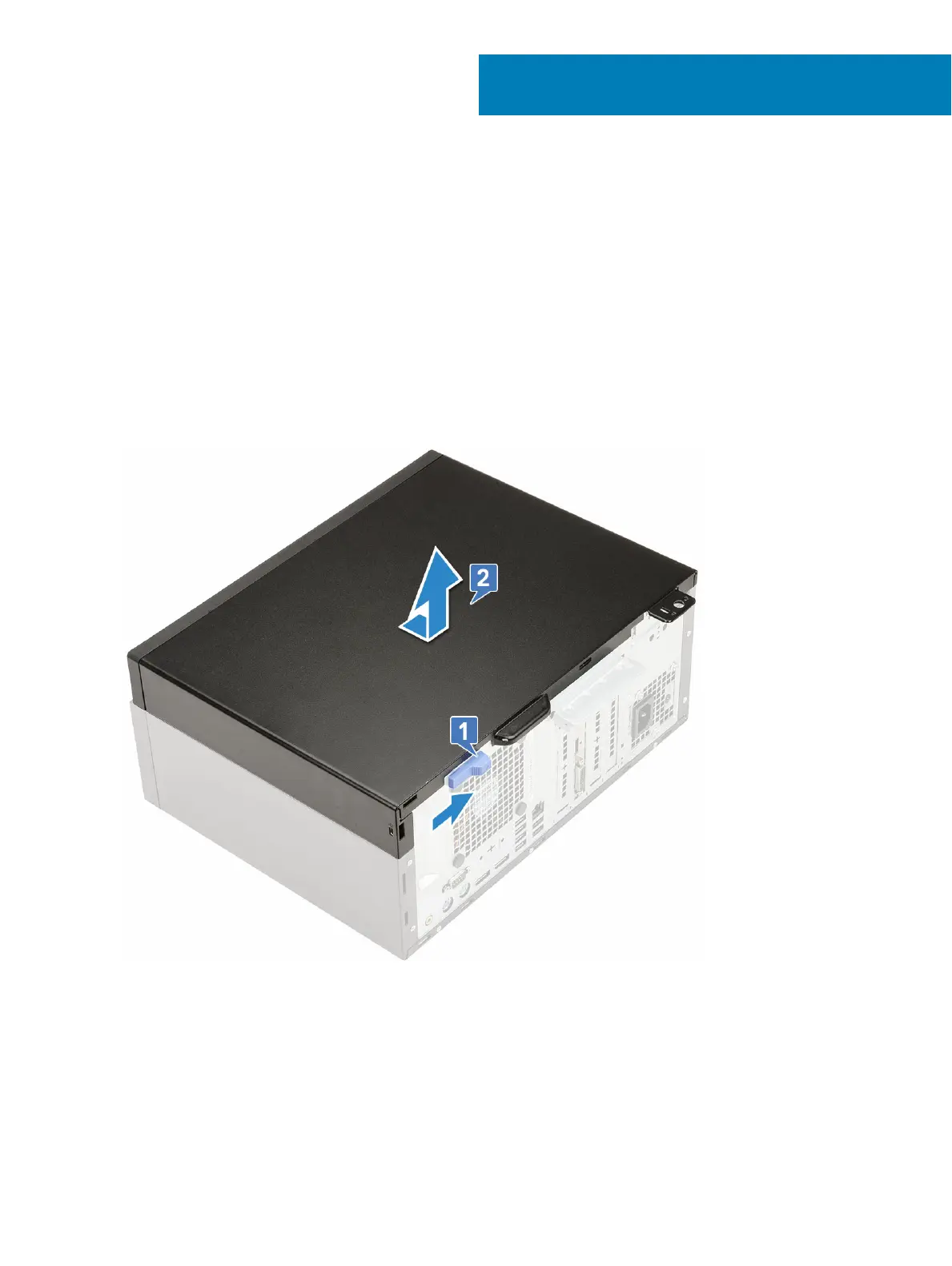
2 To remove the cover:
a Slide the release latch to release the cover from the system [1].
b Slide the cover towards the back of the system and lift it from the system [2].
Installing side cover
1 To install the side cover:
a The release latch automatically locks the side cover to the system [2].
3
Removing and installing components 17













 To Next Page