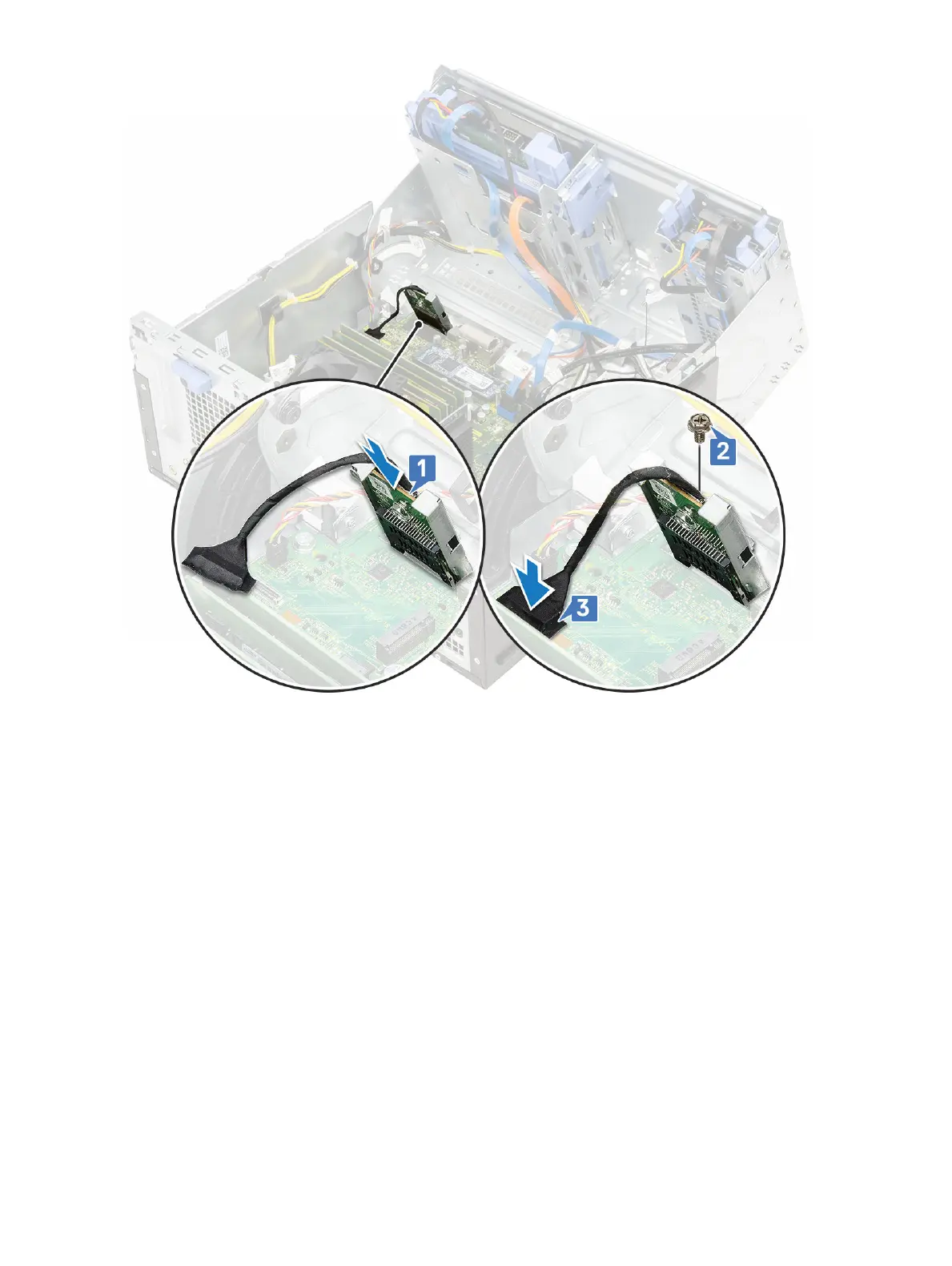
2 Close the front panel door.
3 Install the:
a Front bezel
b Side cover
4 Follow the procedure in After working inside your computer.
Memory module
Removing memory module
1 Follow the procedure in Before working inside your computer.
2 Remove the:
a Side cover
b Front bezel
3 Open the front panel door.
4 To remove the memory module:
a Pull the clips securing the memory module until the memory module pops up [1].
b Remove the memory module from the system board [2].
Removing and installing components
37













 To Next Page