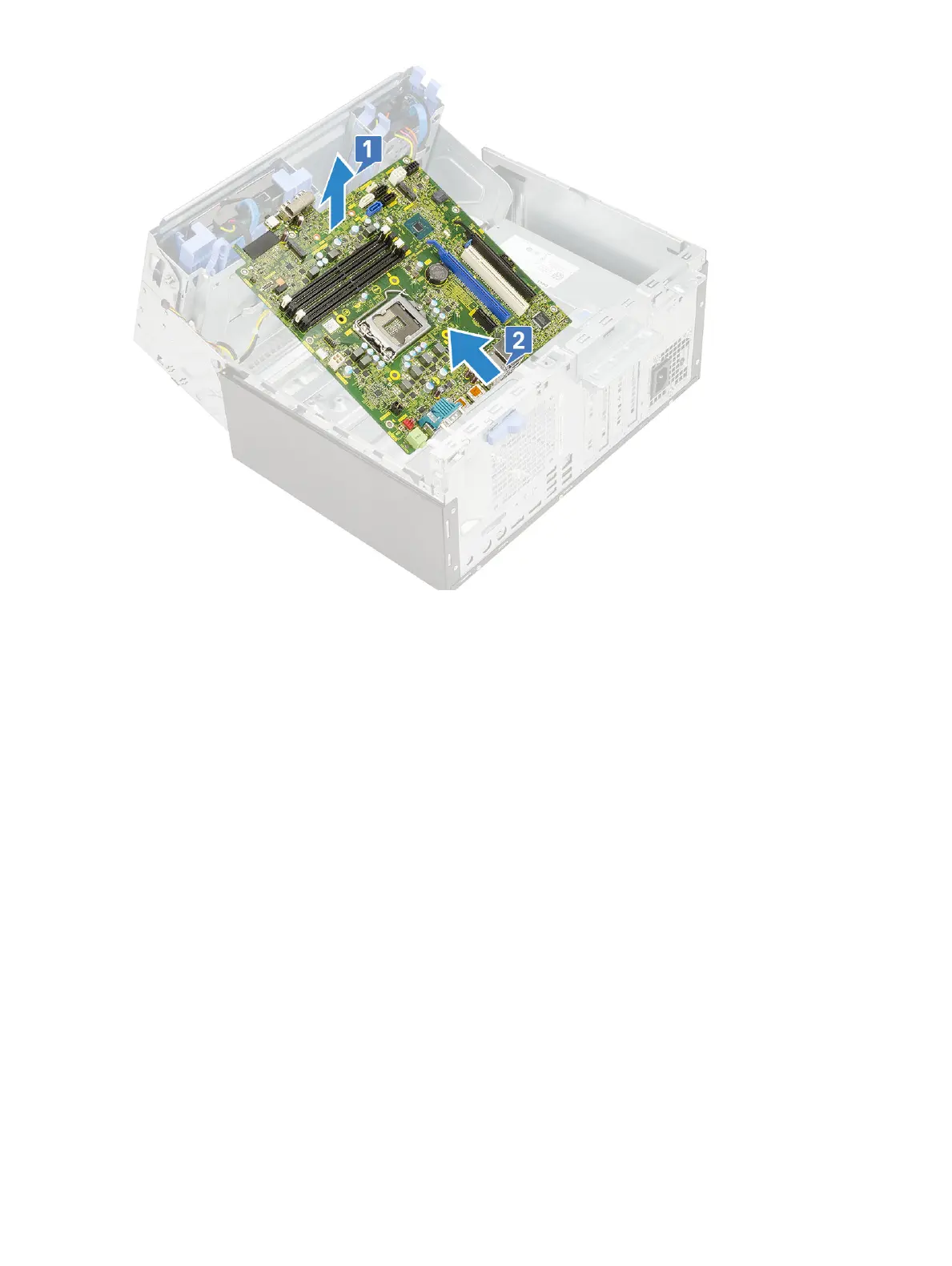
Installing the system board
1 Hold the system board by its edges and align it towards the back of the computer.
2 Lower the system board into the computer until the connectors at the back of the system board align with the slots on the chassis,
and the screw holes on the system board align with the standos on the computer [1, 2].
68
Removing and installing components













 To Next Page