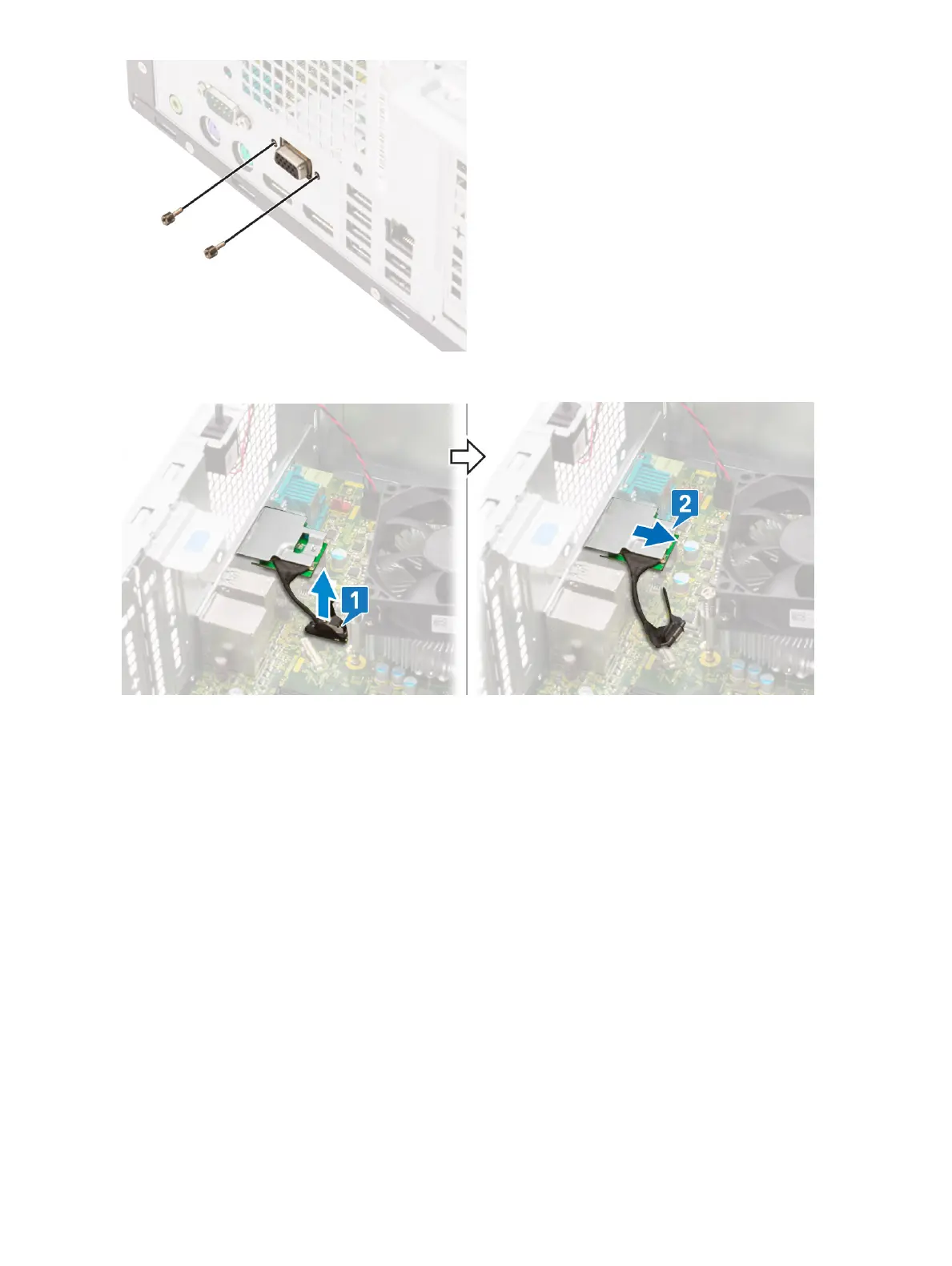
b Disconnect the VGA cable from the connector on the system board [1].
c Remove the VGA module from the system [2].
Installing optional VGA module
1 To remove the metal bracket as shown below, insert a athead screwdriver in the hole of the bracket [1], push the bracket to release
the bracket [2], and then lift the bracket out from the system.
Removing and installing components
63













 To Next Page