Removing the Processor Heat-Sink | 93
Procedure
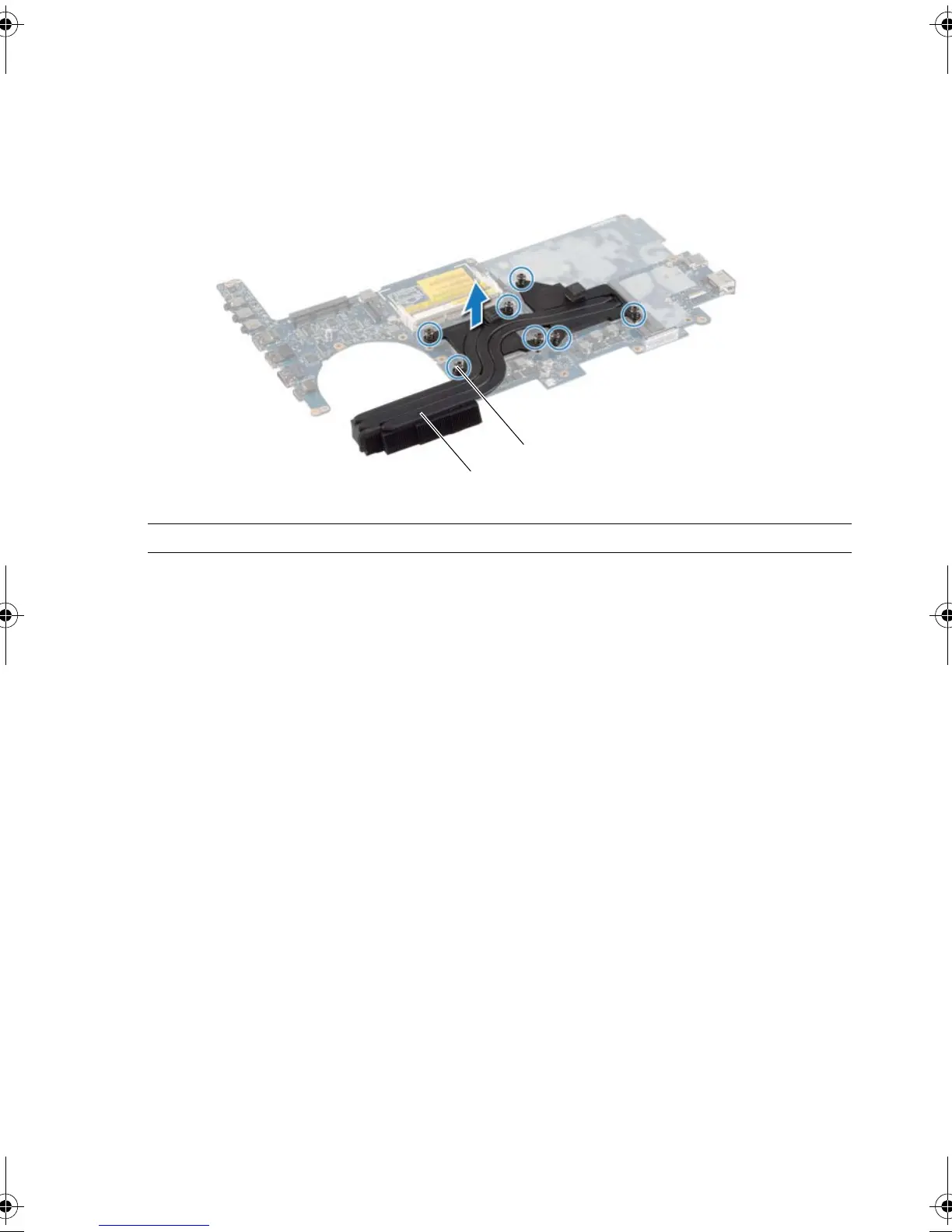
1 In sequential order (indicated on the processor heat-sink), loosen the captive screws
that secure the processor heat-sink to the system board.
2 Lift the processor heat-sink off the system board.
1 captive screws (7) 2 processor heat-sink
book.book Page 93 Monday, June 24, 2013 10:53 AM












 To Next Page