102 | Removing the System Board
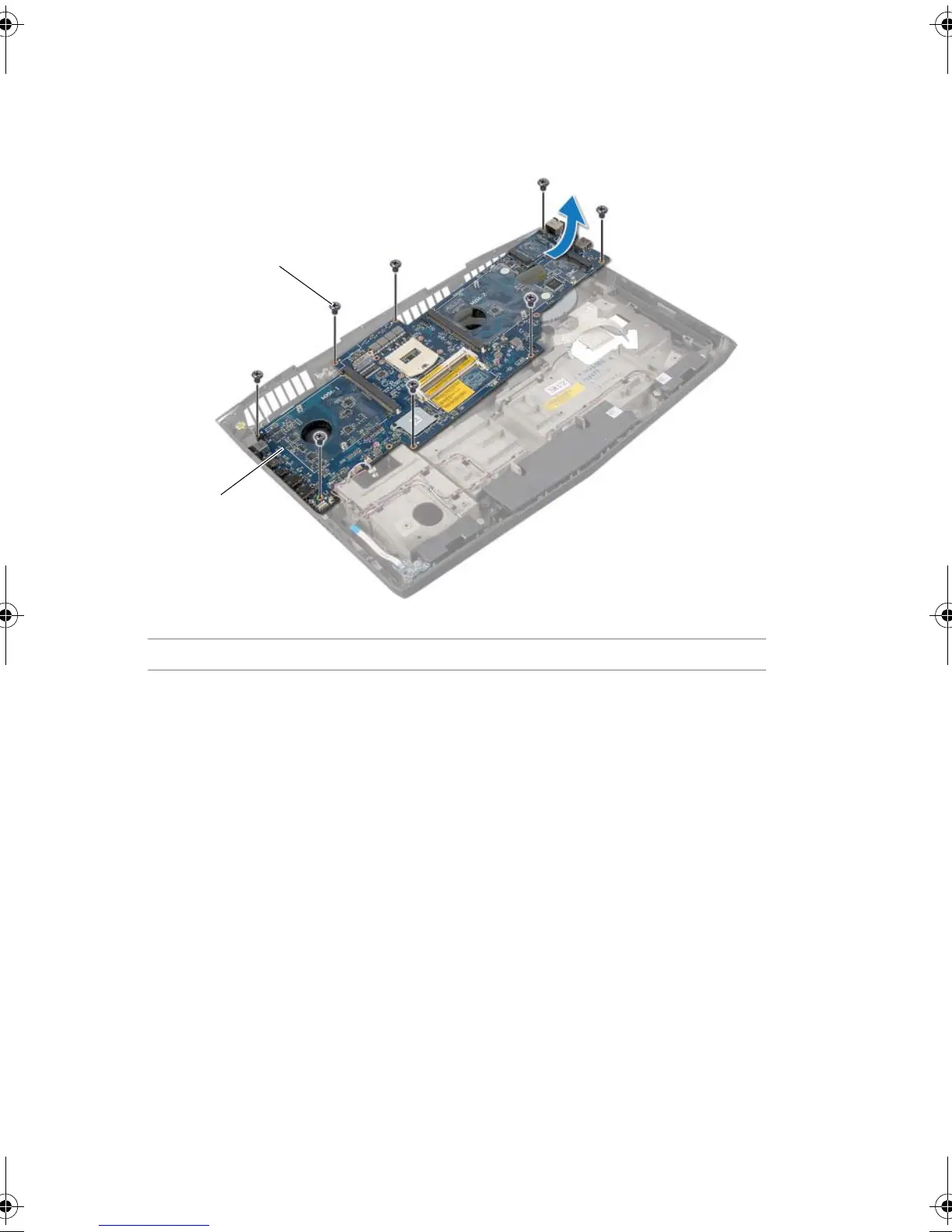
3 Remove the screws that secure the system board to the computer base.
4 Carefully ease the connectors on the system board out of the slots in the computer
base and lift the system board off the computer base.
1 screws (8) 2 system board
Book.book Page 102 Friday, June 28, 2013 11:10 AM












 To Next Page