Removing the System Board | 101
Procedure
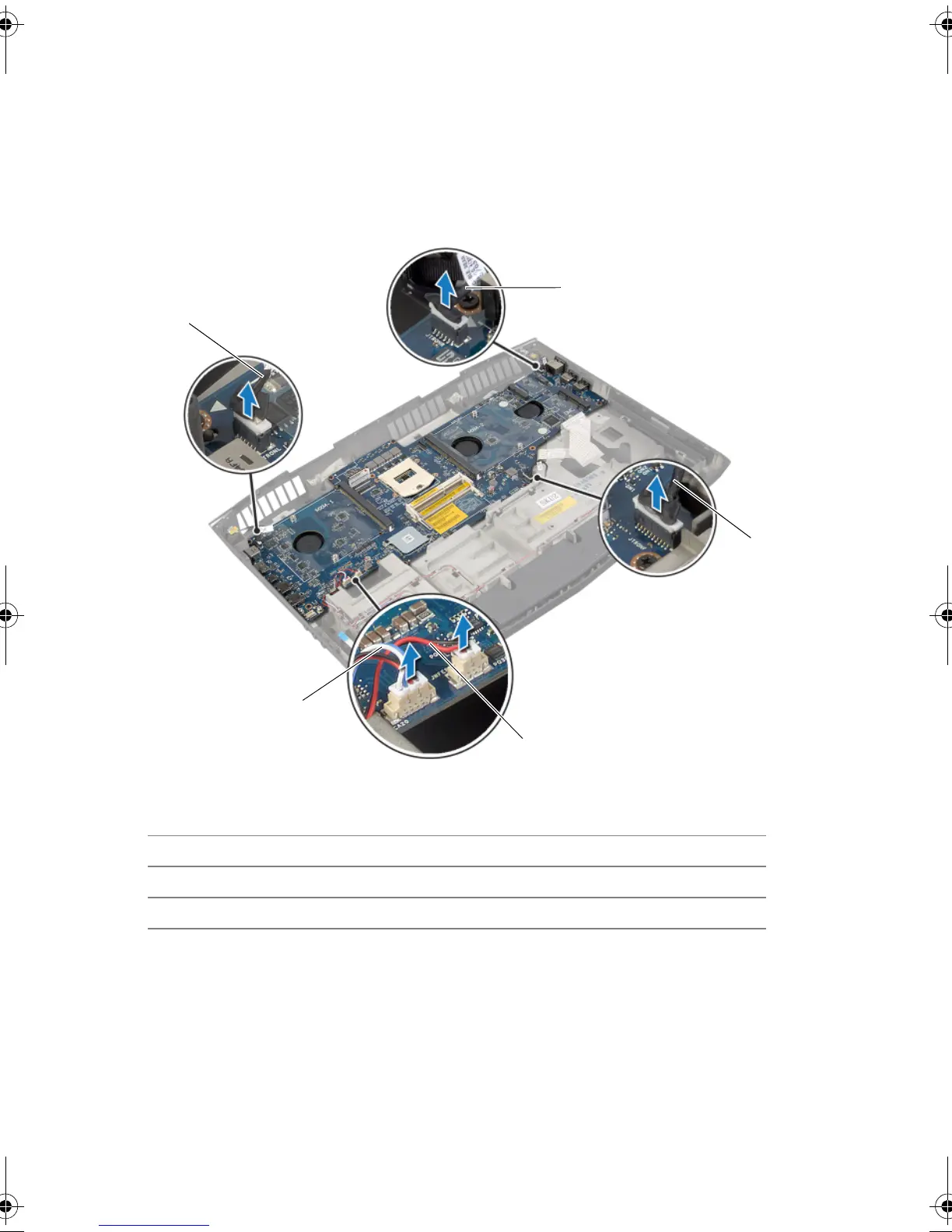
1 Disconnect the speaker cable and the subwoofer cable from the connectors on the
system board.
2 Lift the connector latch and disconnect the tron-light cables from the connectors on
the system board.
1 tron-lights cable 1 2 tron-lights cable 2
3 tron-lights cable 3 4 subwoofer cable
5 speakers cable
Book.book Page 101 Friday, June 28, 2013 11:10 AM












 To Next Page