Removing the Coin-Cell Battery | 37
Procedure
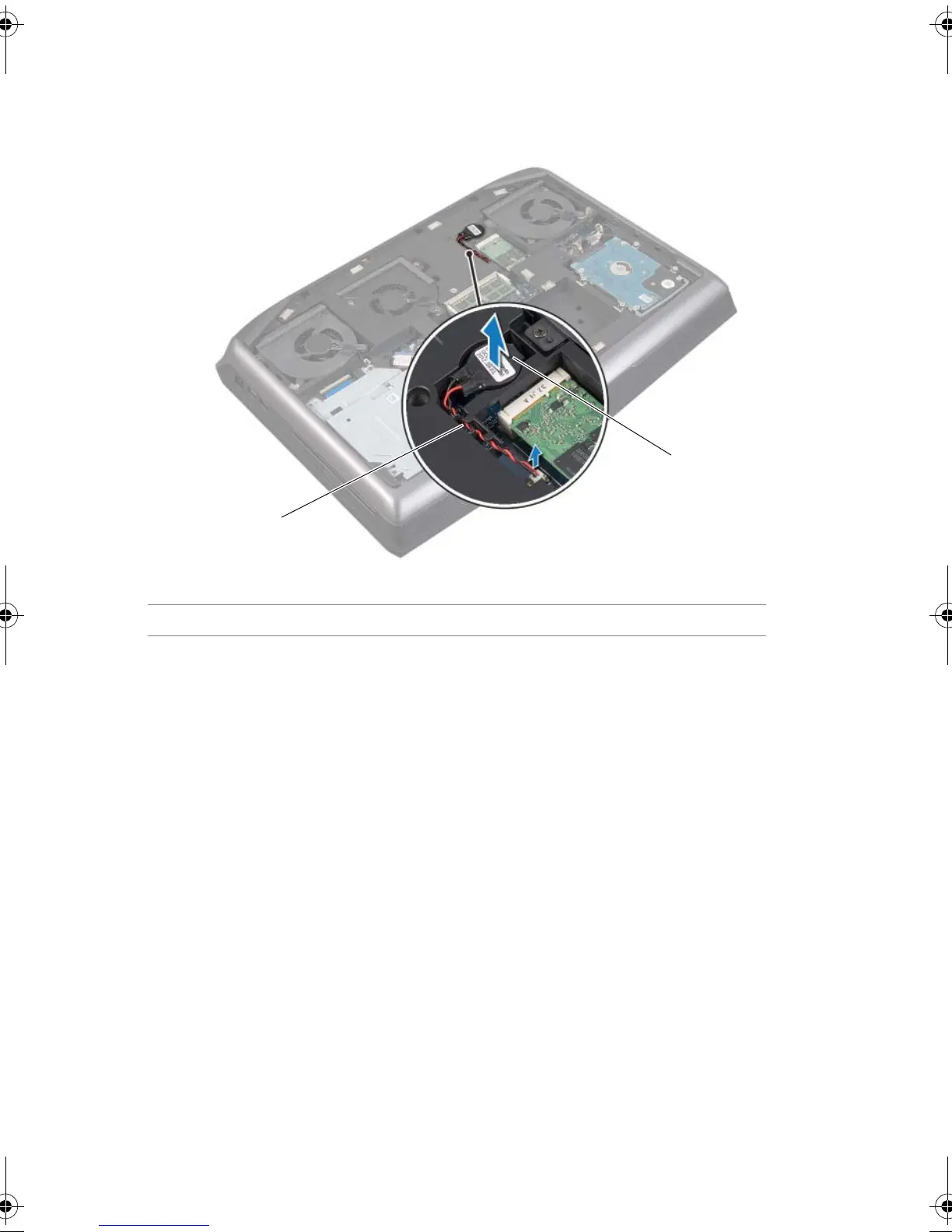
1 Disconnect the coin-cell battery cable from its connector on the system board.
2 Remove the coin-cell battery cable from the routing guides on the computer base.
3 Pry up the coin-cell battery from the slot on the system board.
1 coin-cell battery cable connector 2 coin-cell battery
Book.book Page 37 Friday, June 28, 2013 11:10 AM












 To Next Page