Removing the Display-Light Boards | 77
Procedure
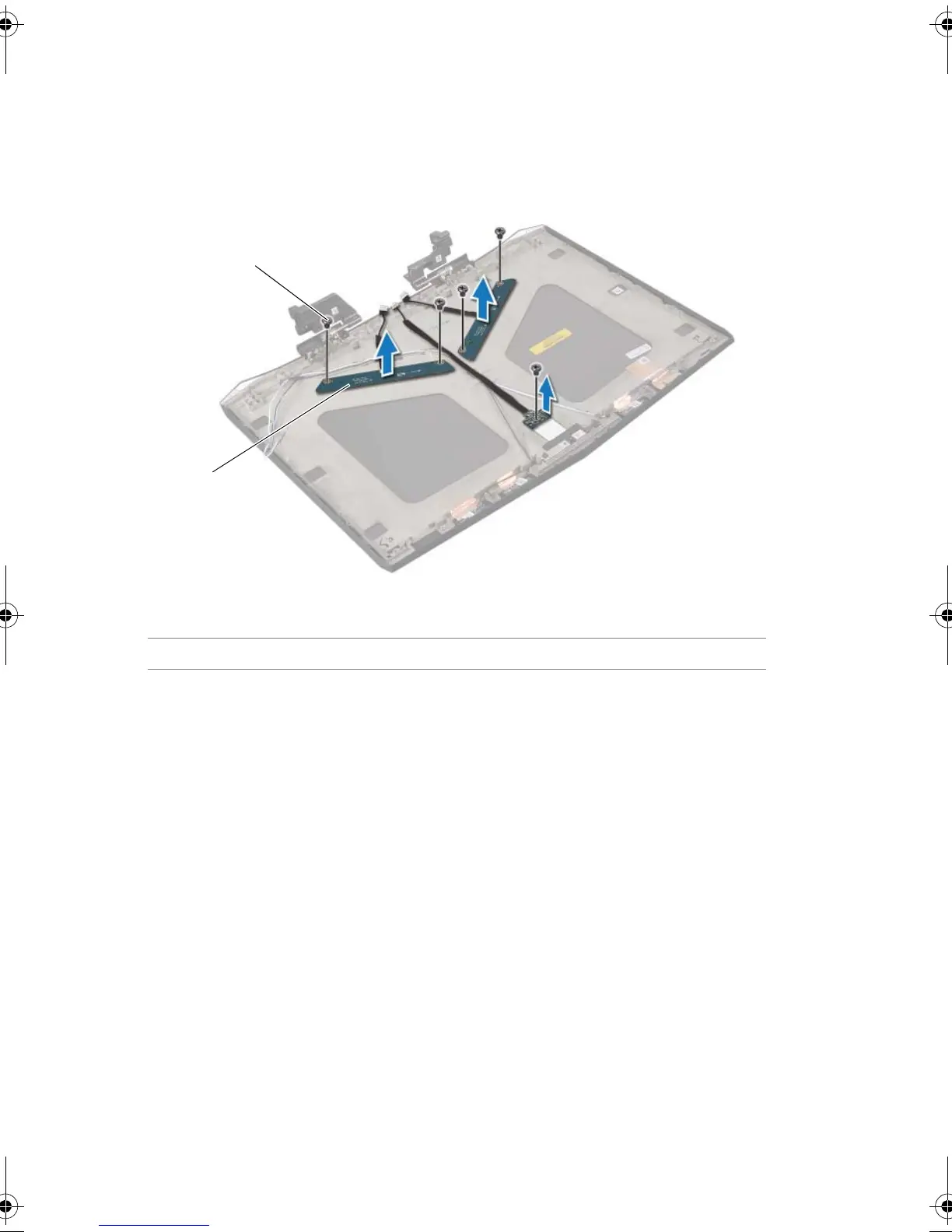
1 Remove the screws that secure the display-light boards to the display back-cover.
2 Lift the display-light boards off the display back-cover.
1 screws (5) 2 display-light boards (3)
Book.book Page 77 Friday, June 28, 2013 11:10 AM












 To Next Page