70 | Removing the Display Panel
3 Turn the display panel over and place it on a clean surface.
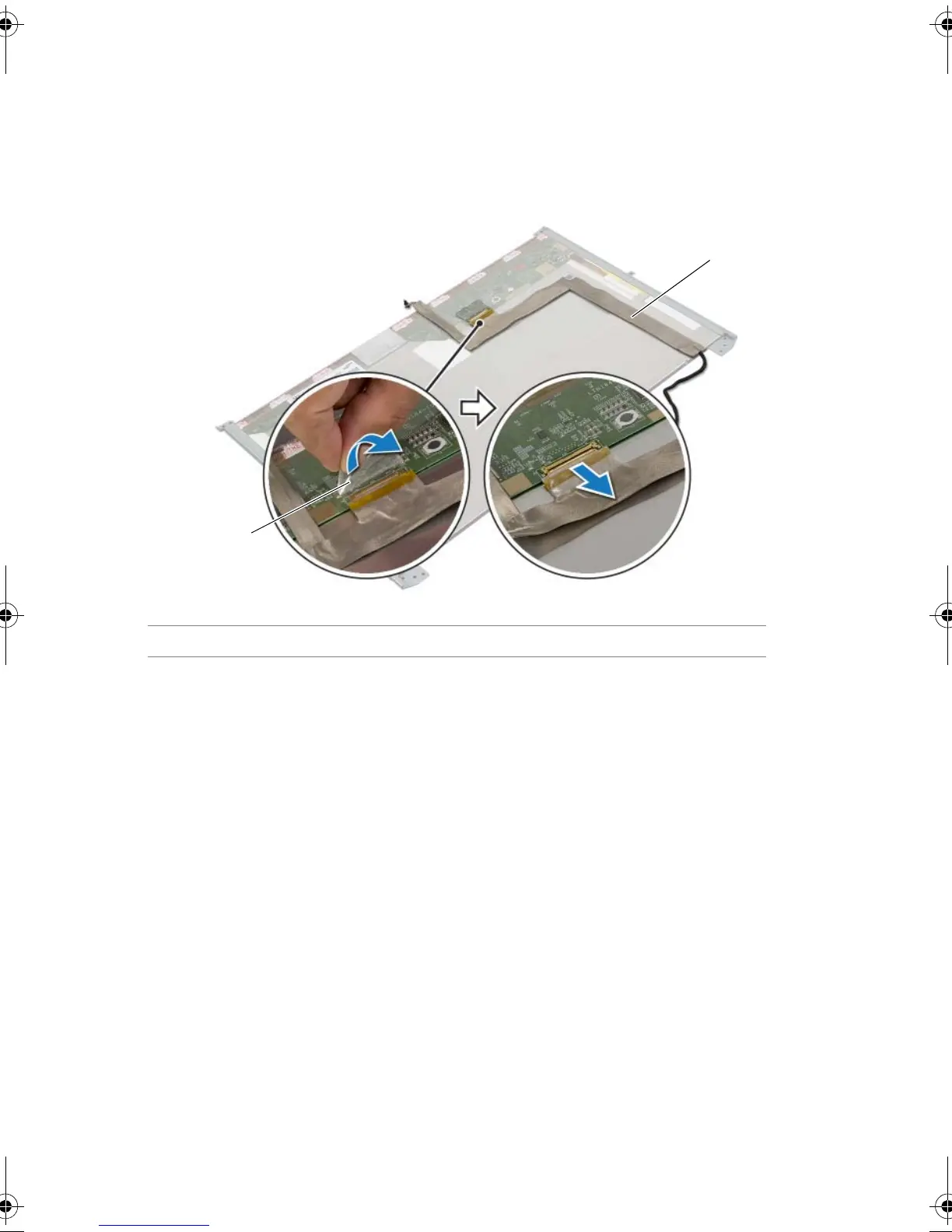
4 Peel the tape that secures the display cable to the display-panel connector.
5 Lift the connector latch and disconnect the display cable from the display-panel
connector.
6 Lift the display cable off the display panel.
1tape 2display cable
Book.book Page 70 Friday, June 28, 2013 11:10 AM












 To Next Page