124
Understanding the Printer Menus
Image Compression
Purpose:
To specify the image compression level.
Va lu e s:
Max E-mail Size
Purpose:
To specify the maximum size of e-mail that can be sent, within the range of 50 K bytes to 16384 K bytes. The default
is 2048 K bytes.
File Naming Mode
Purpose:
To specify the details of File Naming Mode.
Va lu e s:
Create Folder
Purpose:
To specify whether to create a folder when saving scanned images.
Va lu e s:
NOTE:
This feature is available only for Scan to USB or Scan to Network.
Prefix/Suffix String
Purpose:
To specify the texts to be added.
NOTE:
This is available only when
File Naming Mode
is set to
Add Prefix
or
Add Suffix
.
Fax Defaults
Use this menu to configure a variety of fax features.
NOTE:
The FAX service cannot be used unless you set up a country code under
Country
. If
Country
is not set up, a
message
Set The Country Code
appears on the display.
NOTE:
Values marked by an asterisk (*) are the factory default menu settings.
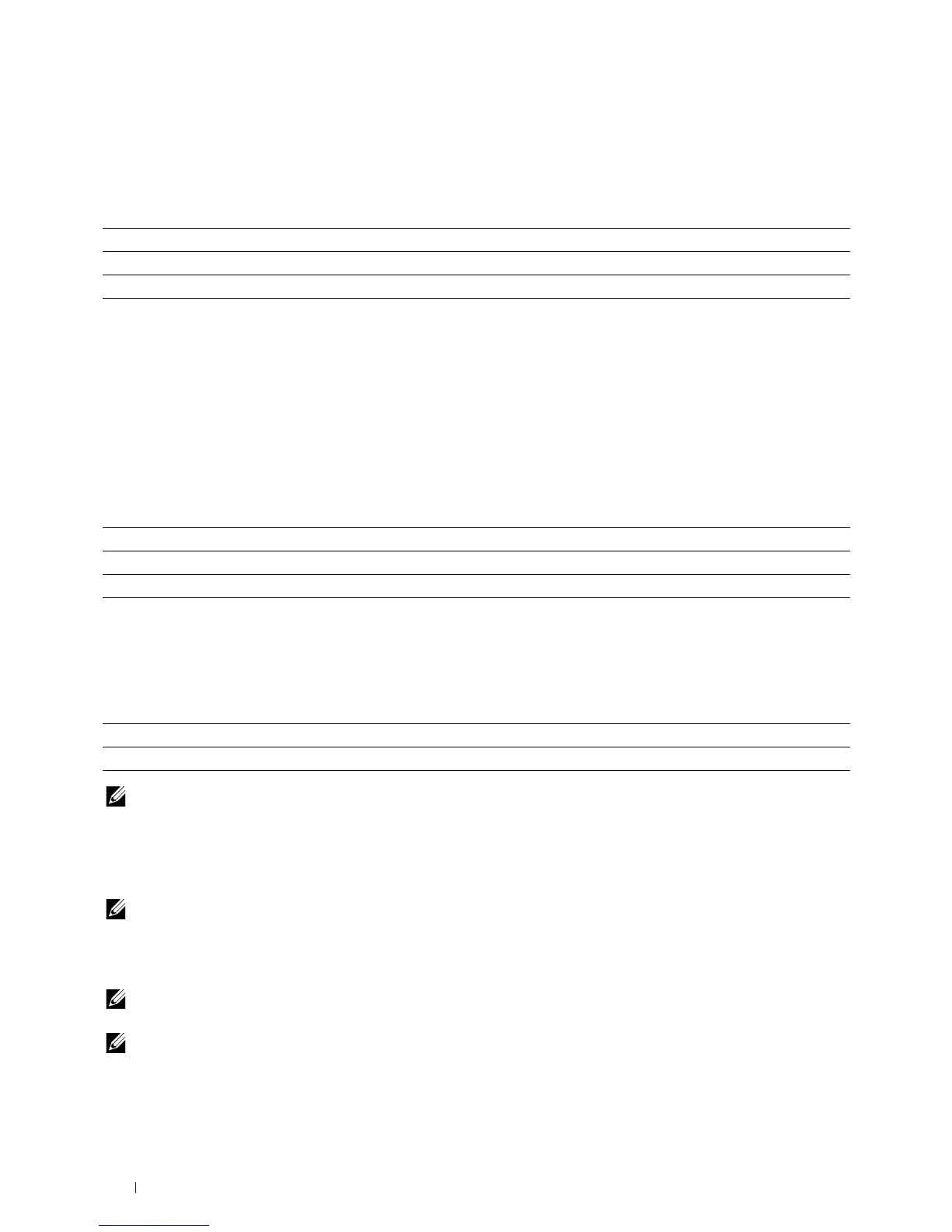
High Sets the image compression level to
High
.
Medium* Sets the image compression level to
Medium
.
Low Sets the image compression level to
Low
.
Auto* Sets the default file name.
Add Prefix Adds texts in front of the file name.
Add Suffix Adds texts after the file name.
Off Does not create a folder when saving a scanned image.
On* Creates a folder when saving a scanned image.












 To Next Page