278
Clearing Jams
Clearing Paper Jams From the ADF
When a document jams while it passes through the Automatic Document Feeder (ADF), remove jams in the
following procedure.
WARNING:
Before performing any of the following procedures, read and follow the safety instructions in the
Important
Information
.
WARNING:
To prevent electric shock, always turn off the printer and disconnect the power cable from the grounded outlet
before performing maintenance.
WARNING:
To avoid burns, do not clear paper jams immediately after printing. The fusing unit becomes extremely hot during
use.
NOTE:
To resolve the error displayed on the operator panel, you must clear all print media from the print media path.
1
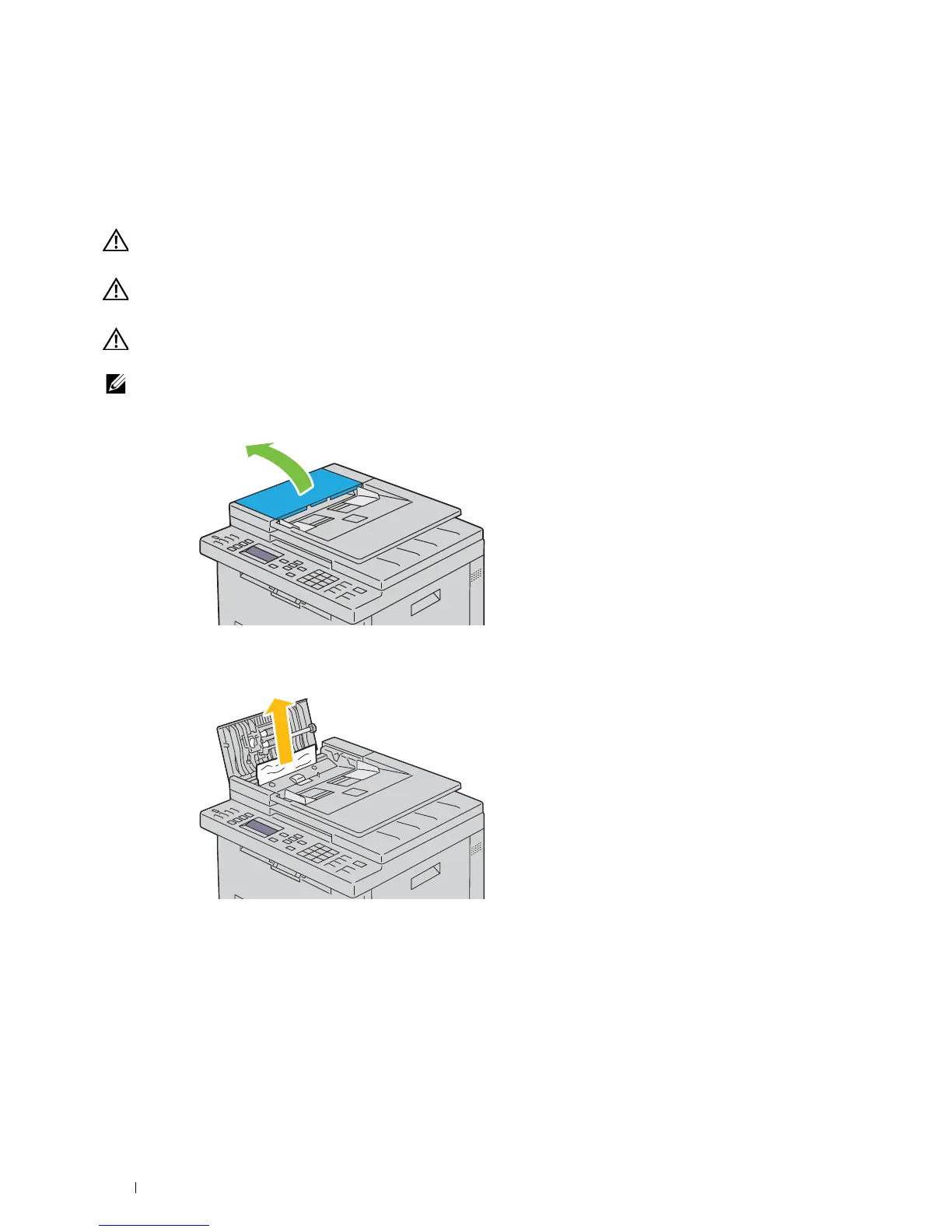
Open the ADF cover.
2
Remove the jammed document by carefully pulling it in the direction of the arrow shown in the following
illustration.












 To Next Page