Loading Print Media
171
Loading Envelopes
NOTE:
When you print on envelopes, be sure to specify the envelope setting on the printer driver. If not specified, the print
image will be rotated 180 degrees.
NOTE:
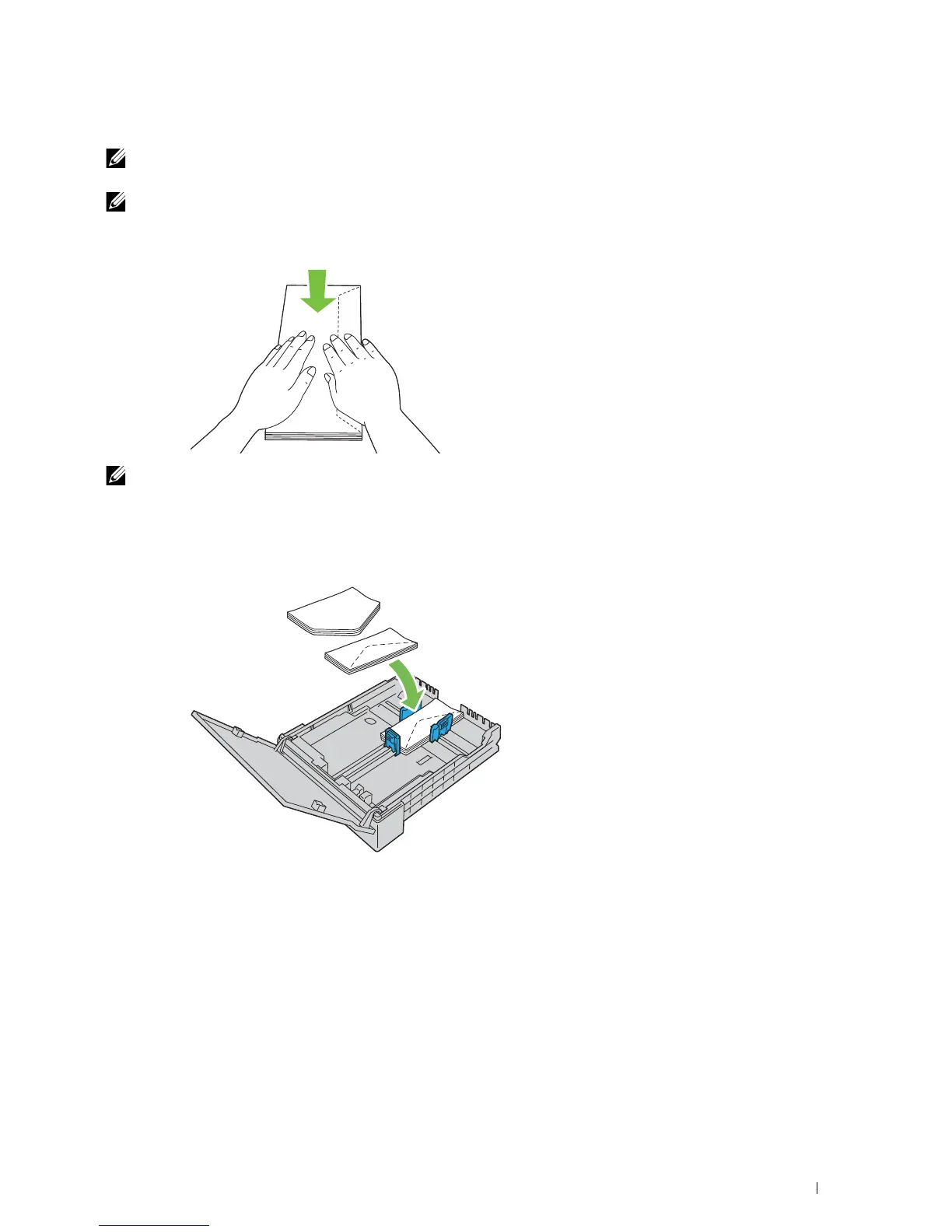
If you do not load envelopes in the standard 150 sheet tray right after they have been removed from the packaging, they
may bulge. To avoid jams, flatten the envelops before loading. And then, firmly press down on the entire surface of the envelops
as shown below.
NOTE:
You can load up to 5 envelopes at a time.
When Loading Envelope #10, DL, or Monarch
Load envelopes with the flaps closed. Place the print side facing up, and the flaps come at the right when you face
towards the printer.






 To Next Page