192
Copying
Color
To select mode for color or black and white copying:
1
Load the document(s) face up into the ADF with the top edge of the document(s) in first.
OR
Place a single document face down on the document glass, and close the document cover.
For details about loading a document, see "Making Copies From the ADF" on page 191 or "Making Copies From
the Document Glass" on page 189.
2
Press the
(Copy)
button.
3
Press the
(Color Mode)
button to select the desired color mode.
NOTE:
If the Function Enabled setting for
COPY
is set to
On(Color Password)
, you need to enter the four digit
password to use the copy function. If the Function Enabled setting for
COPY
is set to
Off
, the copy function is disabled. For
details, see "Function Enabled" on page 158.
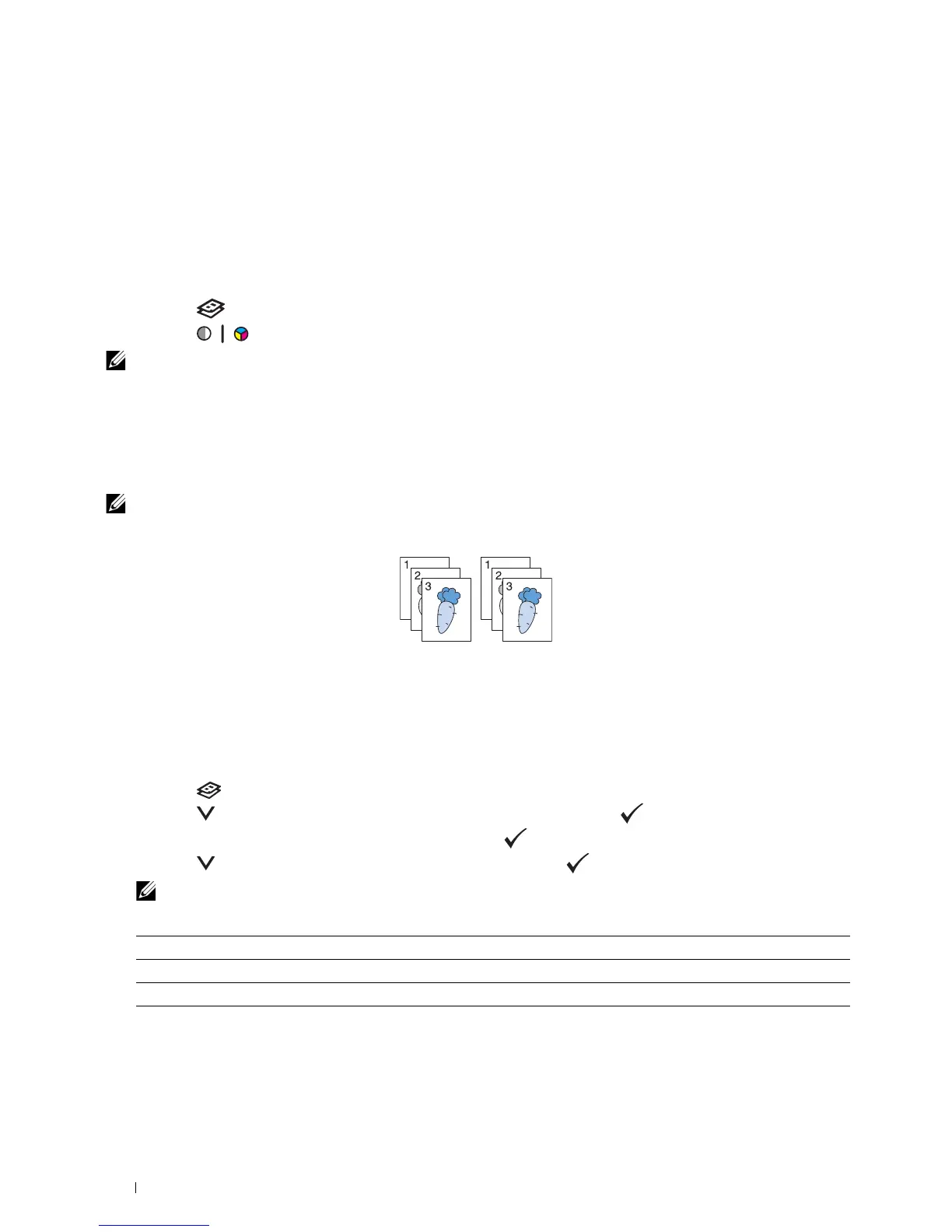
Collated
To sort the copy output: For example, if you make two copies of three page document, one complete three page
document will print followed by the second complete document.
NOTE:
Copying documents with a large amount of data may exhaust available memory.
If a memory shortage occurs, cancel the collating by turning
Collated
to
Uncollated
on the operator panel.
1
Load the document(s) face up into the ADF with the top edge of the document(s) in first.
OR
Place a single document face down on the document glass, and close the document cover.
For details about loading a document, see "Making Copies From the ADF" on page 191 or "Making Copies From
the Document Glass" on page 189.
2
Press the
(Copy)
button.
3
Press the button until
Preferences
is highlighted, and then press the
(Set)
button.
4
Ensure that
Collated
is highlighted, and then press the
(Set)
button.
5
Press
the button to select the desired setting, and then press the
(Set)
button.
NOTE:
Values marked by an asterisk (
*
) are the factory default menu settings.
6
Customize the copy settings including the number of copies, copy size, contrast, and image quality. For more
information, see "Setting Copy Options" on page 191.
Uncollated* Does not sort the copy job
Collated Sorts the copy job
Auto Automatically determines which output mode for the copy job












 To Next Page