Loading Print Media
173
NOTE:
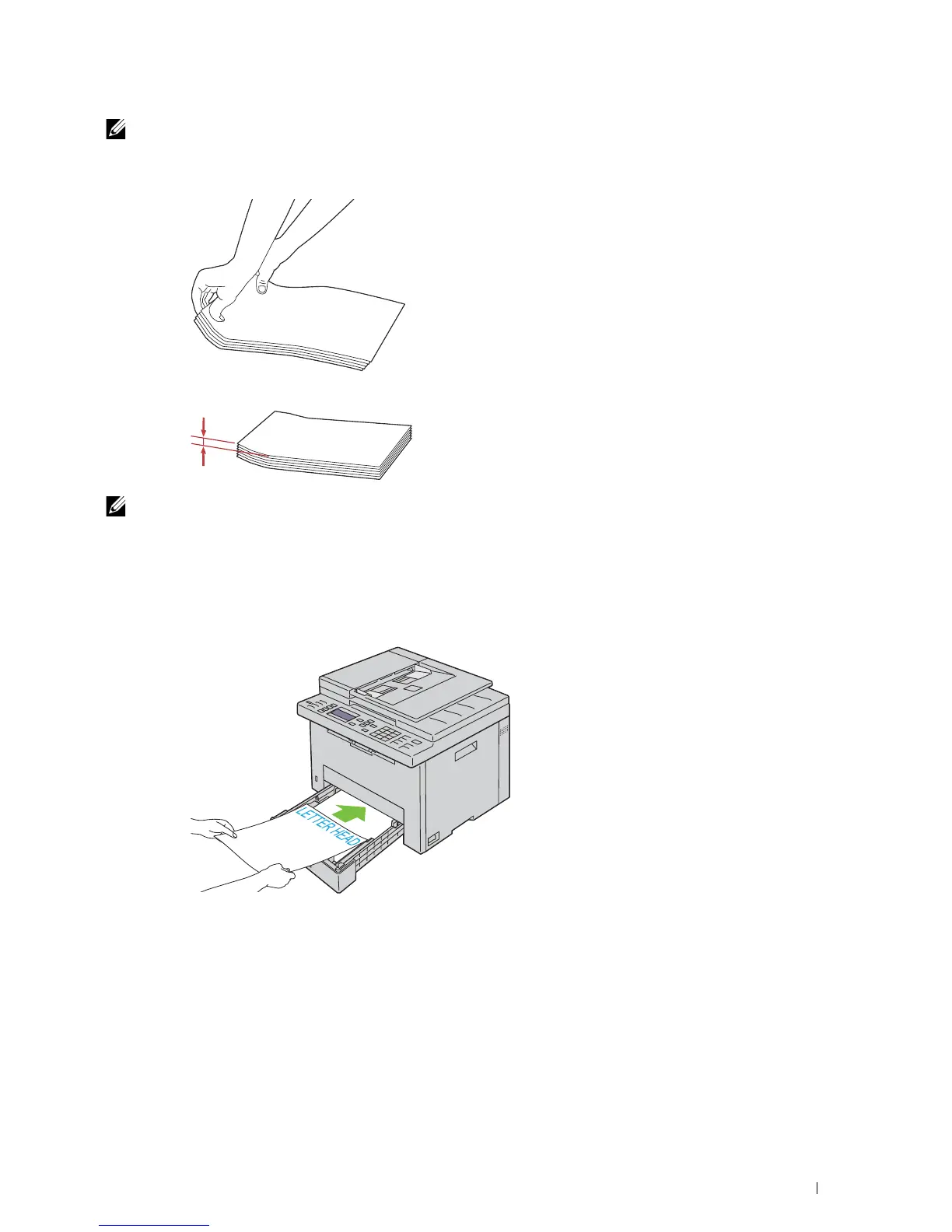
If envelopes are still not fed correctly, add some bending to the flap of the envelopes as shown in the following
illustration.
The amount of the bending shall be 5 mm (0.20 inches) or less.
NOTE:
To confirm the correct orientation of each print media such as envelopes, see the instruction on the Envelope/Paper
Setup Navigator on the printer driver.
Loading Letterhead
Load the letterhead in the printer with the print side facing up. Ensure that the title on the letterhead enters the
printer first.












 To Next Page