72
Operator Panel
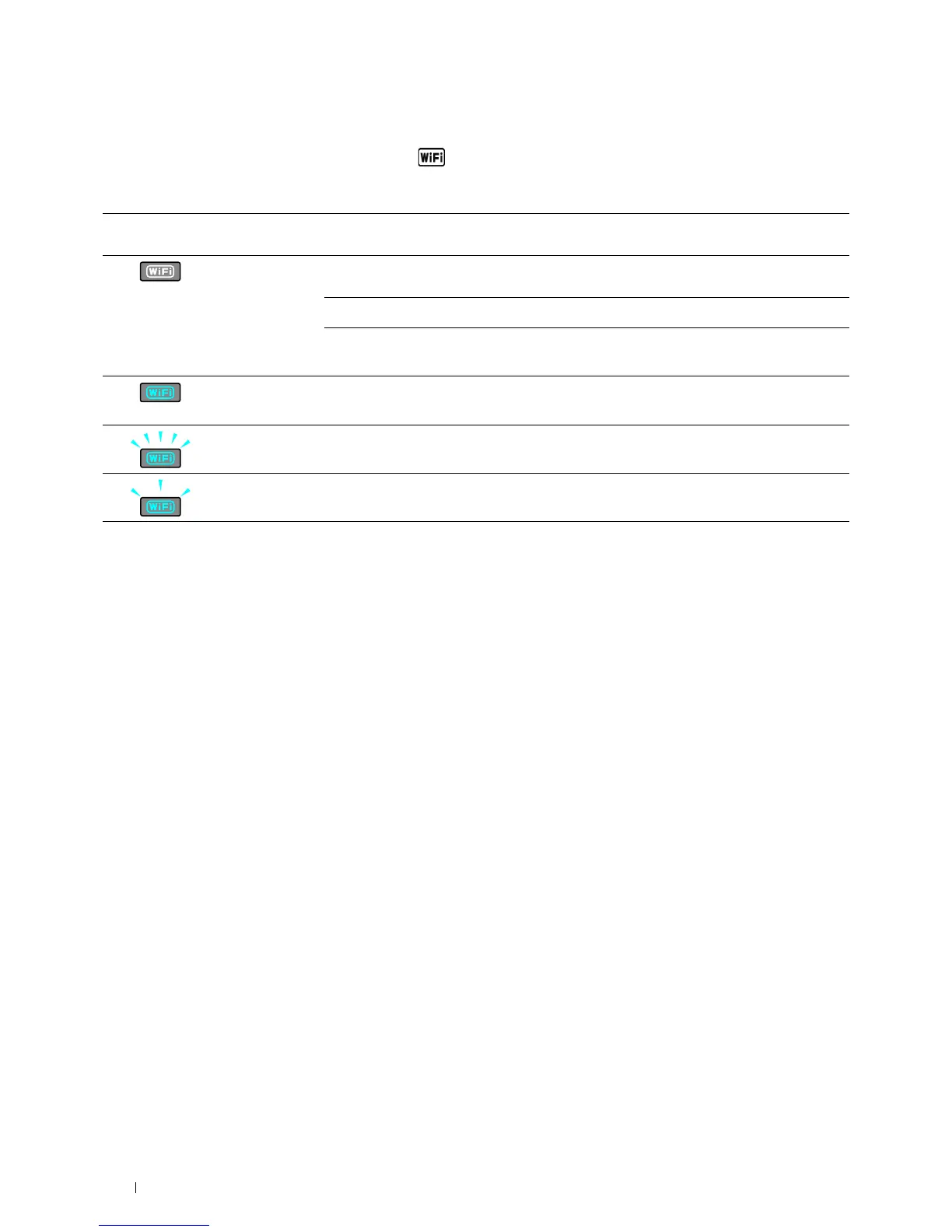
Status of Wi-Fi | WPS Button Backlight
This section describes when the backlight of the (Wi-Fi | WPS) button lights up or blinks.
For more information, see "Wireless Problems" on page 306.
*
1
You can enable/disable the
Wi-Fi
settings. For more information, see "Wi-Fi" on page 142.
Wi-Fi | WPS button backlight Wi-Fi
settings
*1
Printer status
Off N/A Connecting to the network via Ethernet cable. Wireless connection is not
available when an Ethernet cable is connected to the printer
Off
-
On
The printer enters Sleep/Deep Sleep mode
Failed to connect with wireless LAN access point or router
On
On
Wireless link established
Blinking
On
Searching with wireless LAN access point or router
Blinking slowly
On
Connecting with wireless LAN access point or router












 To Next Page