268
Maintaining Your Printer
10
Replace the other three cartridges as well.
11
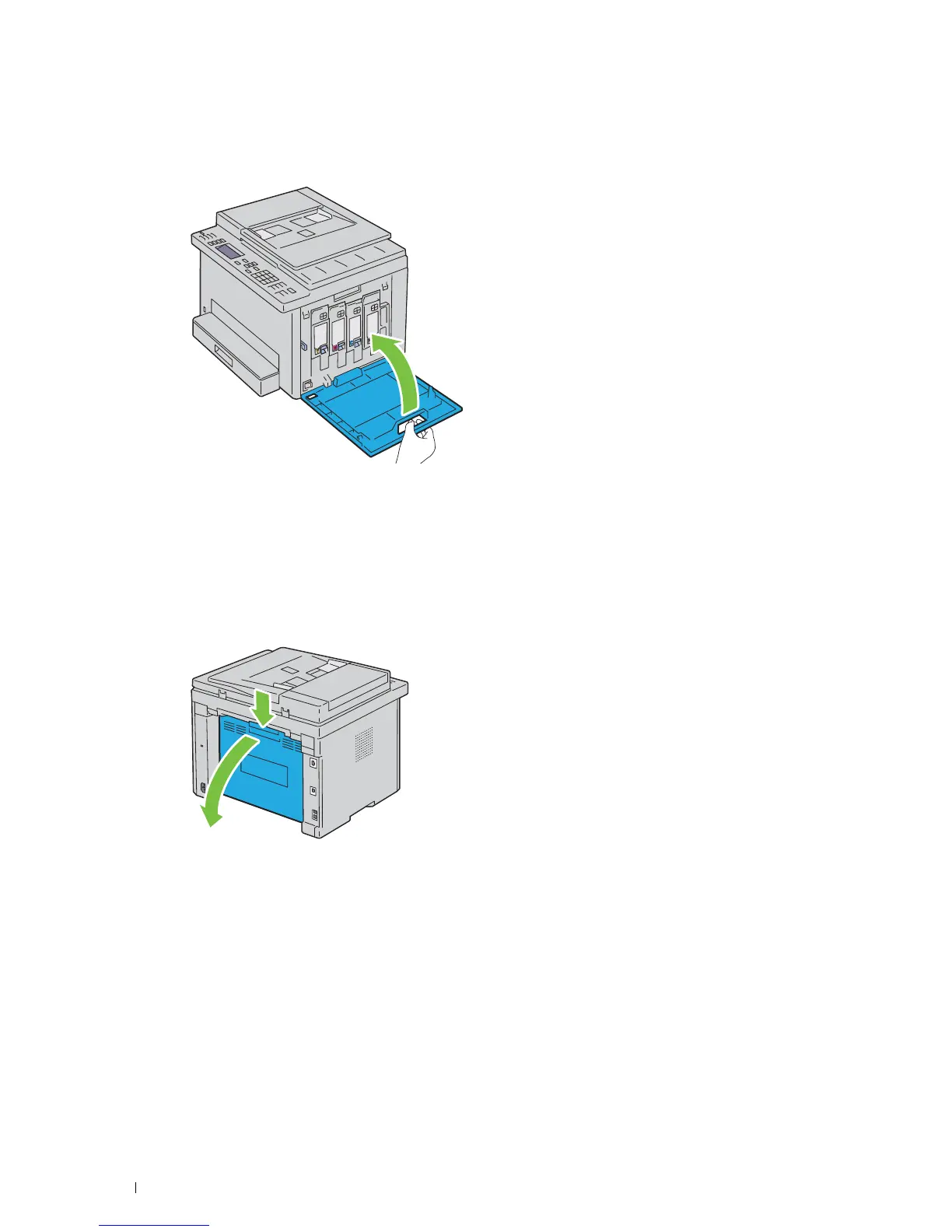
Close the toner access cover.
Cleaning the Color Toner Density (CTD) Sensor
Clean the CTD sensor only when an alert for the CTD sensor is shown on the operator panel.
1
Ensure that the printer is turned off.
2
Push the rear cover release handle and open the rear cover.












 To Next Page