204
Scanning
Scanning to a Computer or Server via SMB/FTP
Overview
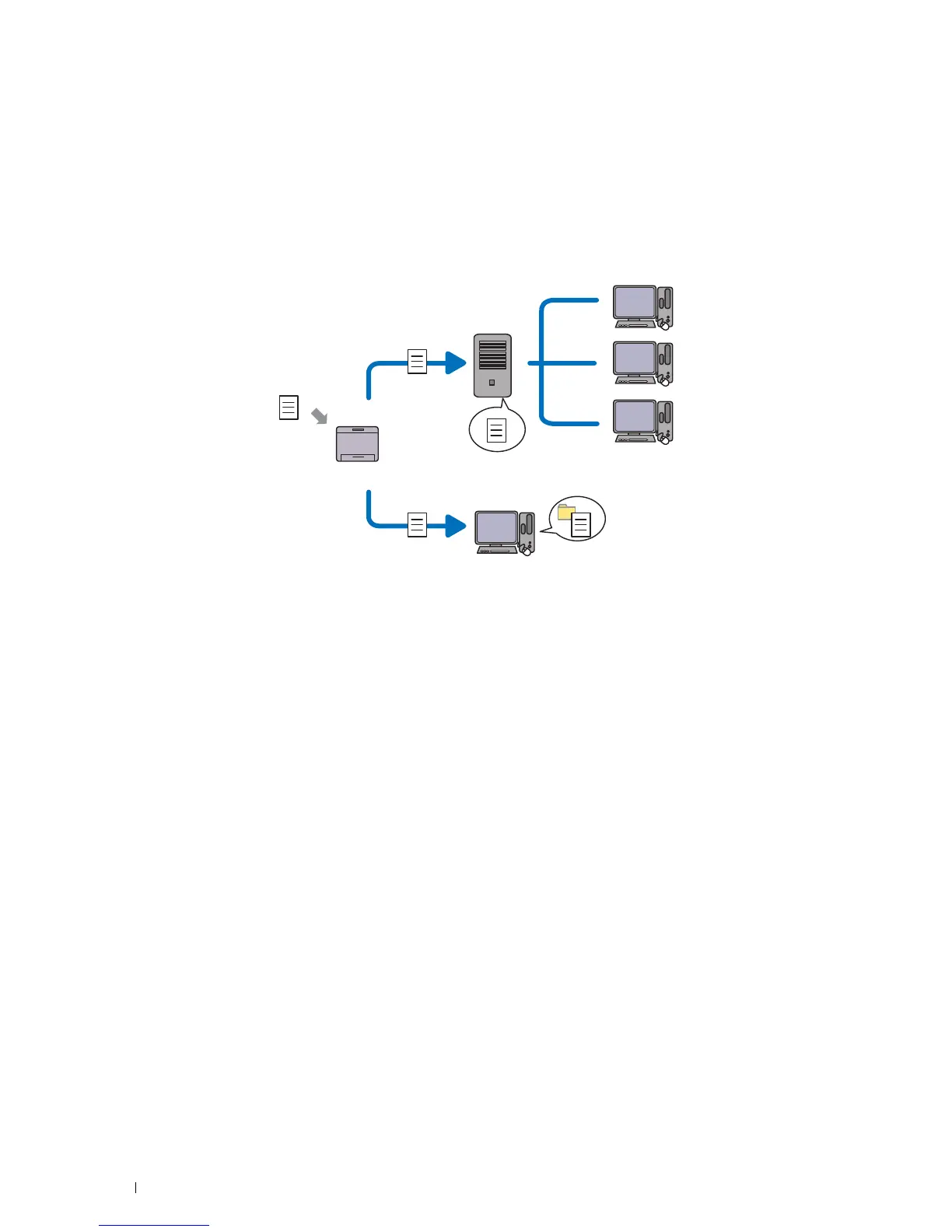
The Scan to Network Folder feature allows you to scan documents and send the scanned document to a network
computer via the FTP or SMB protocol.
You can select the kind of server and specify a destination to store the scanned document with the
Dell Printer Configuration Web Tool or Address Book Editor.
The following items are required to use the Scan to Network Folder feature.
•Using SMB
To transfer data via SMB, your computer must run on one of the following operating systems that includes folder
sharing.
For Mac OS X, a shared user account is required on the Mac OS X.
•Windows Vista
®
•Windows
®
7
•Windows
®
8
•Windows
®
8.1
•Windows Server
®
2003
•Windows Server
®
2008
•Windows Server
®
2008 R2
•Windows Server
®
2012
•Windows Server
®
2012 R2
•Mac OS X 10.6
• OS X 10.7
• OS X 10.8
• OS X 10.9
• OS X 10.10
Scan
Using FTP
Using SMB
FTP Server
Computer
Computer












 To Next Page