Scanning |
231
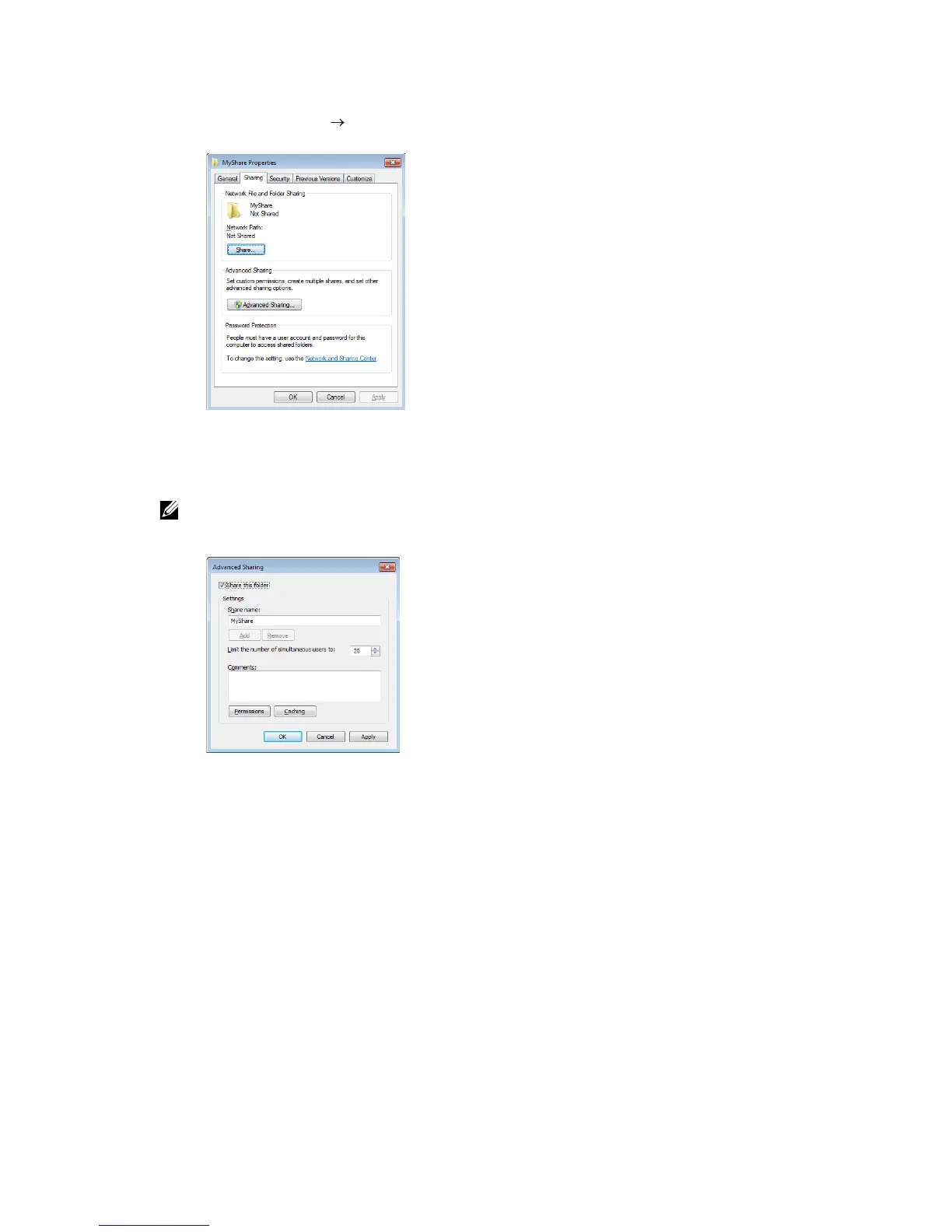
2 Right-click on the folder, and then click Properties.
3 Click the Sharing tab Advanced Sharing.
4 Select the Share this folder check box.
5 Enter a shared name in the Share name box.
• Write down the shared name as you need to use this name in the next setting procedure.
6 Click Permissions to create a write permission for this folder.
7 Click Add.
8 Search user login name by performing either of the following:
• Click Advanced, and then search user login name.
• Enter the user login name in the Enter the object names to select text box, and
then click Check Names.



 To Next Page