Faxing |
253
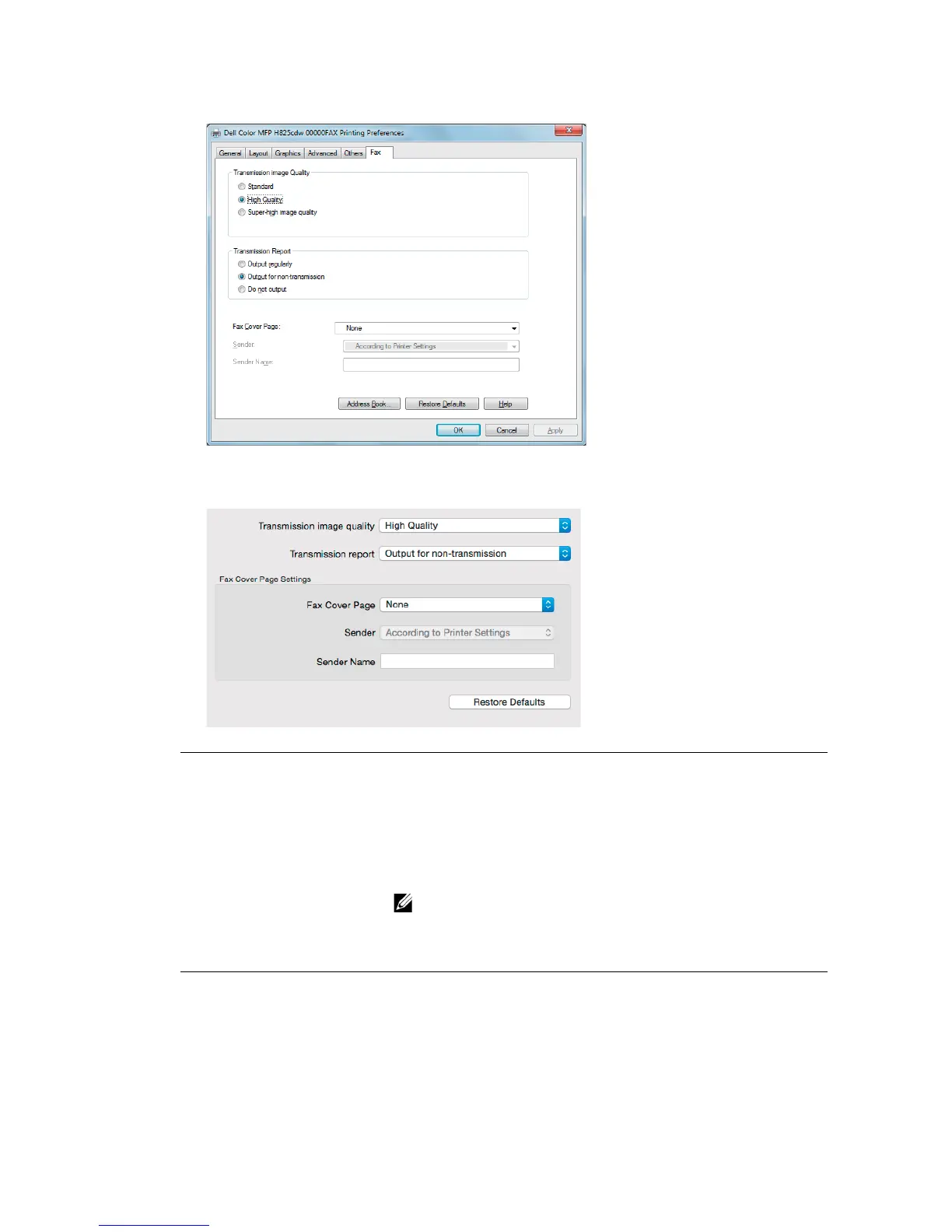
For Windows
®
:
For OS X:
Transmission image quality Select the output quality.
•Standard: For documents with normal sized characters.
• High Quality: For documents containing small characters or
thin lines or documents printed using a dot-matrix printer.
• Super-high image quality: For documents containing
extremely fine detail. The super fine mode is enabled only if the
remote machine also supports Super Fine resolution.
• Faxes printed in the Super-high image quality by Direct
Fax driver transmits at the highest resolution supported by
the receiving device.
Transmission report Specify whether to print a fax transmission result.
• Output regularly: Prints a transmission result after every fax
transmission.
• Output for non-transmission: Prints a transmission result only
when an error occurs.
• Do not output: Does not print fax transmission results.



 To Next Page