302
| Using the Address Book and Phone Book
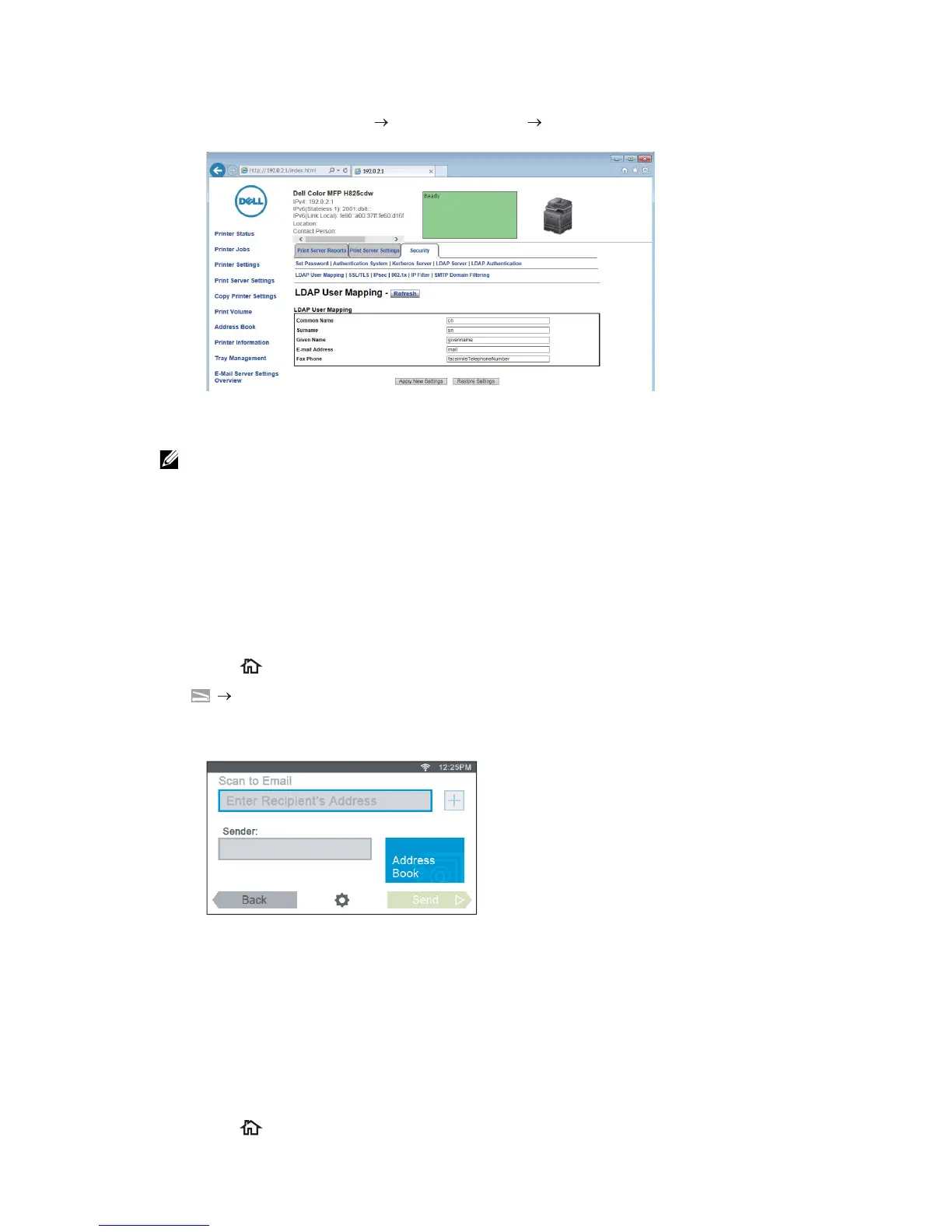
Setting LDAP User Mapping
1 Click Print Server Settings the Security tab LDAP User Mapping.
2 Specify the attribute names used in the LDAP server.
• If the attribute names are not customized in the LDAP server, leave the settings in this step as
they are by default.
3 Click Apply New Settings.
4 Click Restart Printer.
Sending an E-mail With the Scanned Data Using the E-mail
Server Address Book
1 Press the (Home) button.
2 Tap Scan to Email.
3 Tap Address Book.
4 Tap Network Address Book.
5 Enter a keyword using the keyboard, and then tap Search.
6 Tap a recipient from the search result, and then tap Done.
7 Tap Send.
Sending a Fax Using the Fax Server Phone Book
1 Press the (Home) button.



 To Next Page