Display Assembly: Dell Latitude E4300 Service Manual
file:///C|/Biz%20Client/2015/Lola%20(Defect%20Fix)/display.htm[5/25/2015 11:14:10 AM]
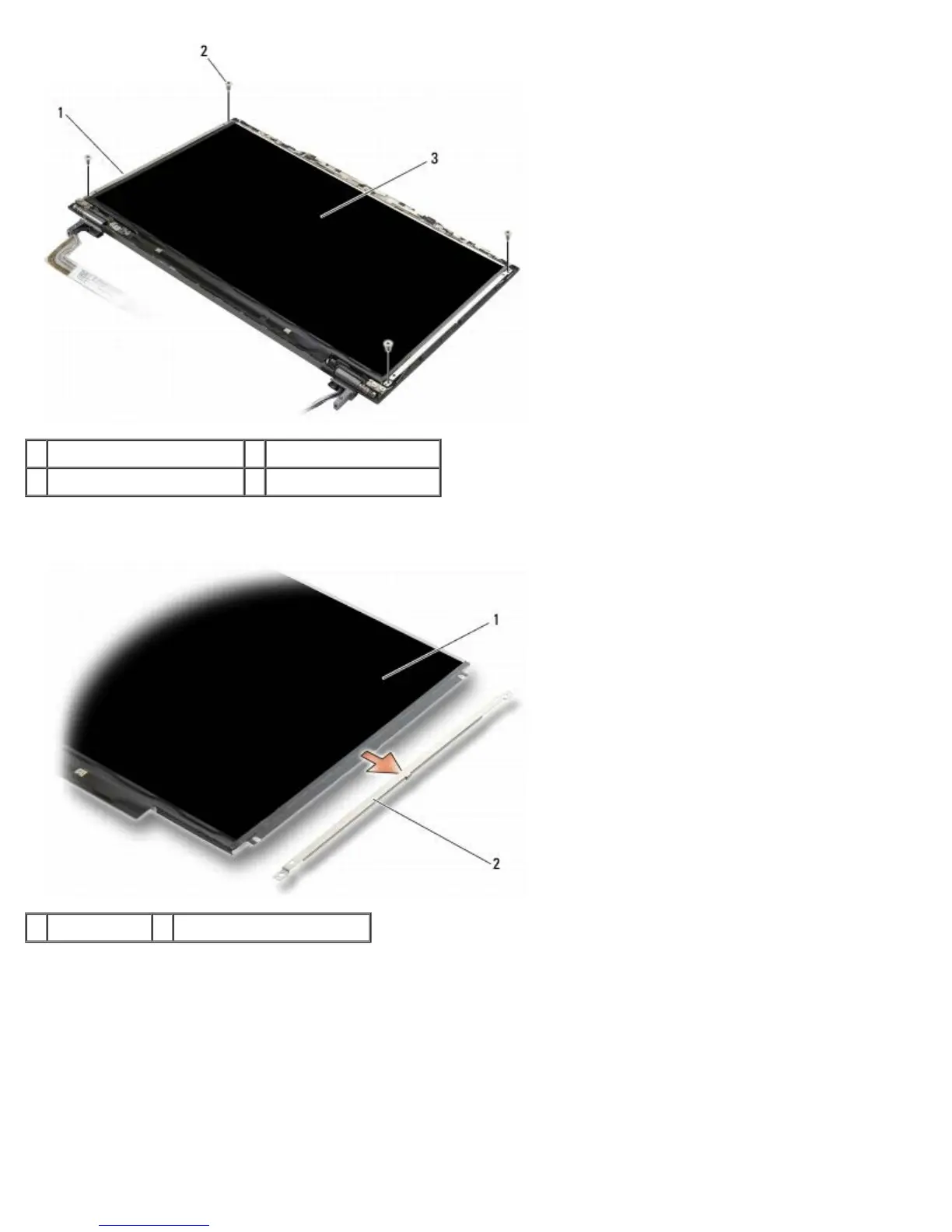
1 display panel brackets (2) 2 M2 x 3-mm screws (4)
3 display panel
5. Gently remove each bracket by pulling it away from the display.
1 display panel 2 display panel brackets (2)
6. Lift the display panel away from the display back cover and rotate it forward.















 To Next Page