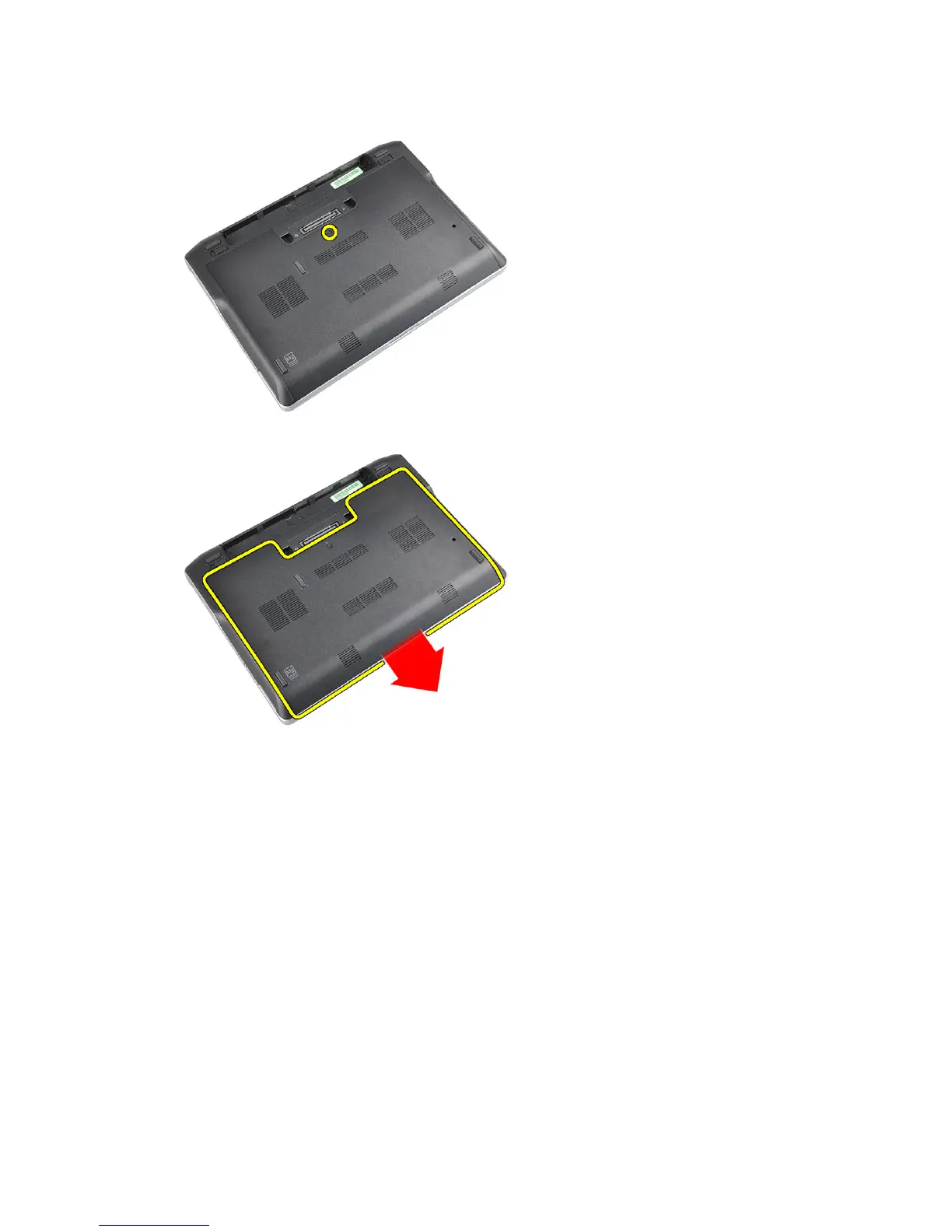
3. Loosen the captive screw that secures the base cover to the computer.
4. Slide the base cover out of the computer.
Installing the Base Cover
1. Place the base cover to align with the screw hole correctly on the computer.
2. Tighten the screw to secure the base cover to the computer.
3. Install the battery.
4. Follow the procedures in
After Working Inside Your Computer
.
Removing the Bluetooth Module
1. Follow the procedures in
Before Working Inside Your Computer
.
2. Remove the:
a) SD card
b) ExpressCard
c) battery
d) cover
14















 To Next Page