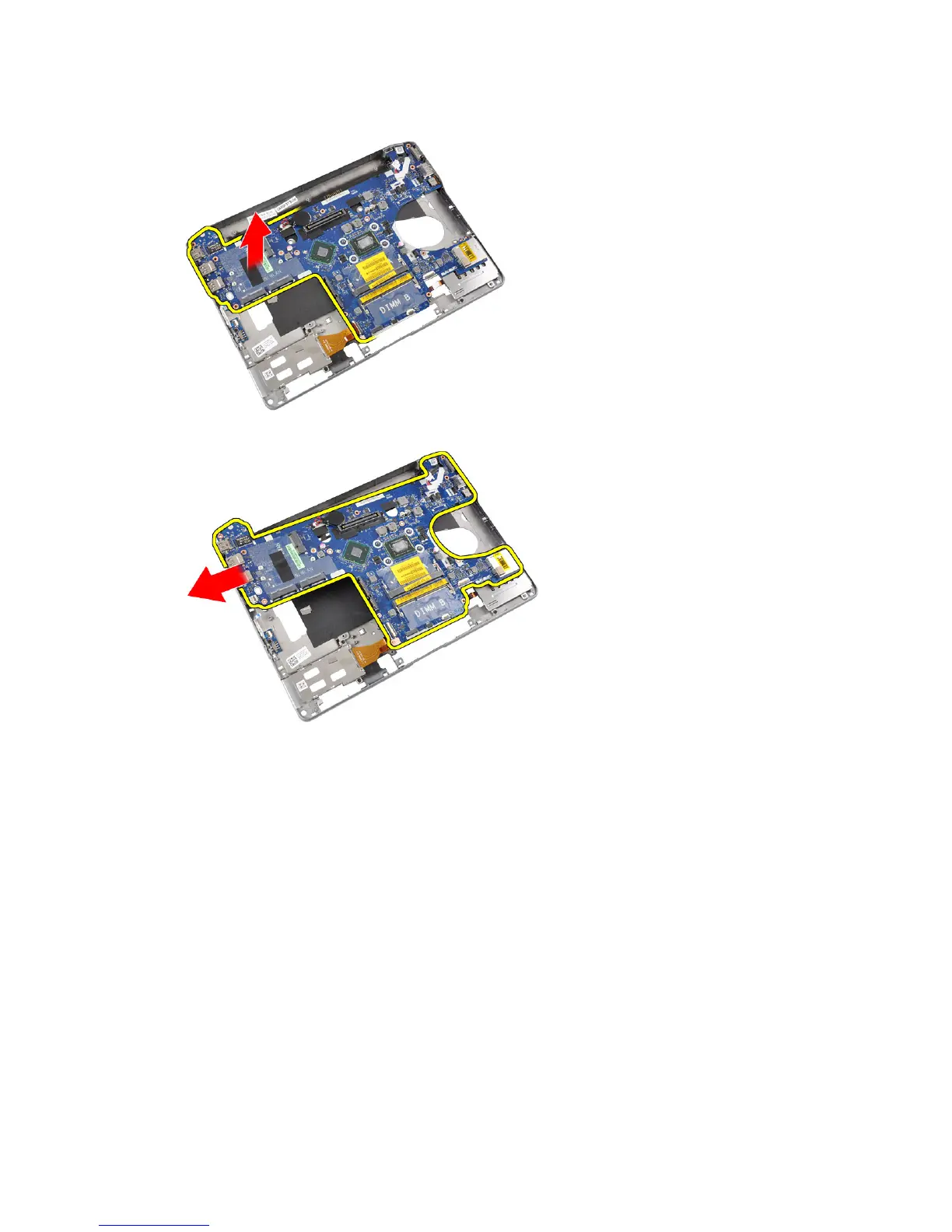
7. Lift the left edge of the system board and raise it to a 45-degree angle.
8. Remove the system board.
Installing the System Board
1. Place the system board in its compartment.
2. Tighten the screws to secure the system board to the computer.
3. Connect the following cables:
a) power connector
b) ExpressCard cage
c) WiFi-switch board
39















 To Next Page