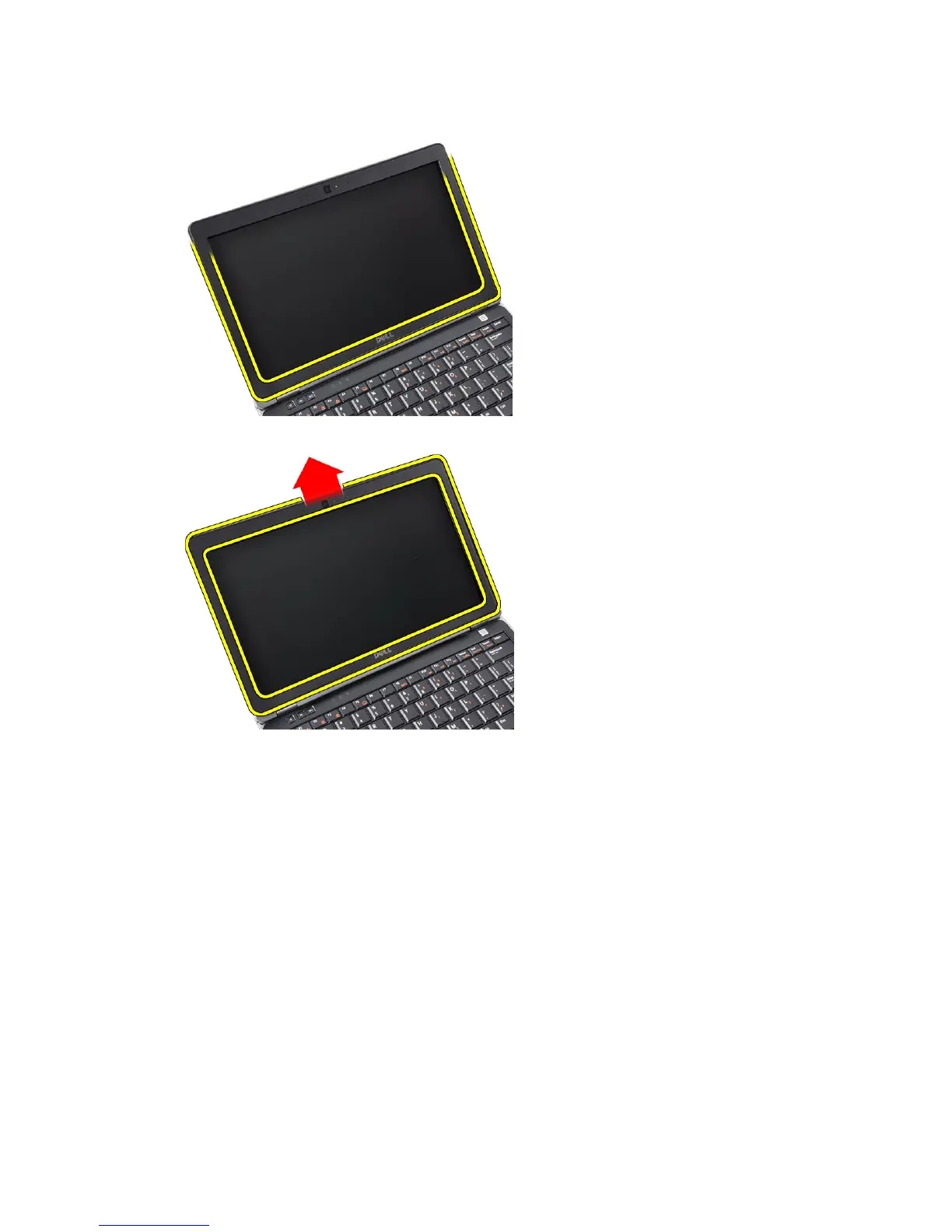
4. Work your way along to the sides and bottom edge of the display bezel.
5. Remove the display bezel from the display assembly.
Installing the Display Bezel
1. Place the display bezel onto the display assembly.
2. Starting from the top corner, press on the display bezel and work around the entire bezel until is snaps onto the
display assembly.
3. Press on the left and right edges of the display bezel.
4. Install the battery.
5. Follow the procedures in
After Working Inside Your Computer
.
Removing the Display Panel
1. Follow the procedures in
Before Working Inside Your Computer
.
2. Remove the:
a) battery
b) display bezel
47















 To Next Page