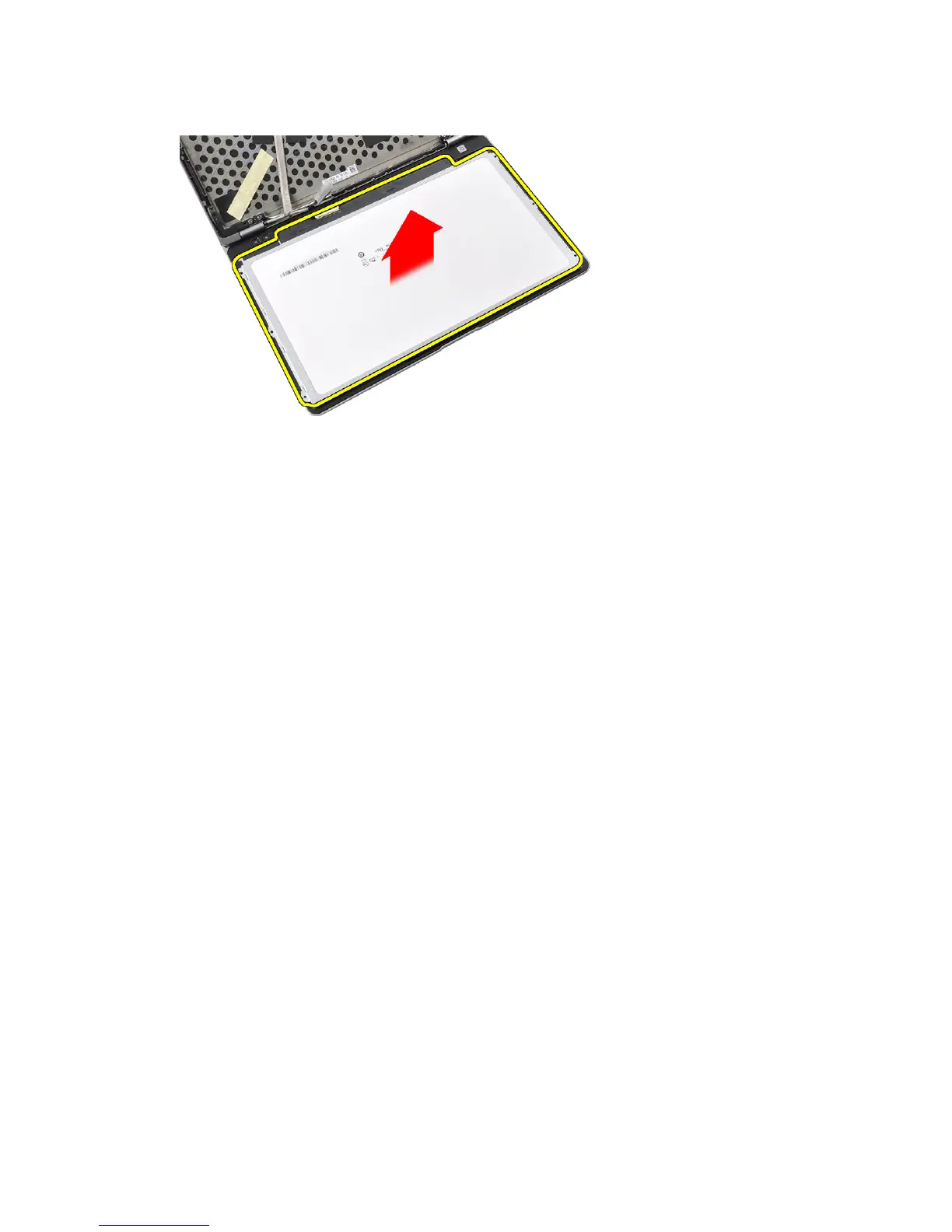
6. Remove the display panel from the display assembly.
Installing the Display Panel
1. Affix the LVDS cable connector tape and connect the LVDS cable to the display panel.
2. Place the display panel onto the display assembly.
3. Tighten the screws that secure the display panel to the display assembly.
4. Install the:
a) display bezel
b) battery
5. Follow the procedures in
After Working Inside Your Computer
.
Removing the Display Assembly
1. Follow the procedures in
Before Working Inside Your Computer
.
2. Remove the:
a) SD Card
b) ExpressCard
c) battery
d) base cover
e) palmrest
f) keyboard
49















 To Next Page