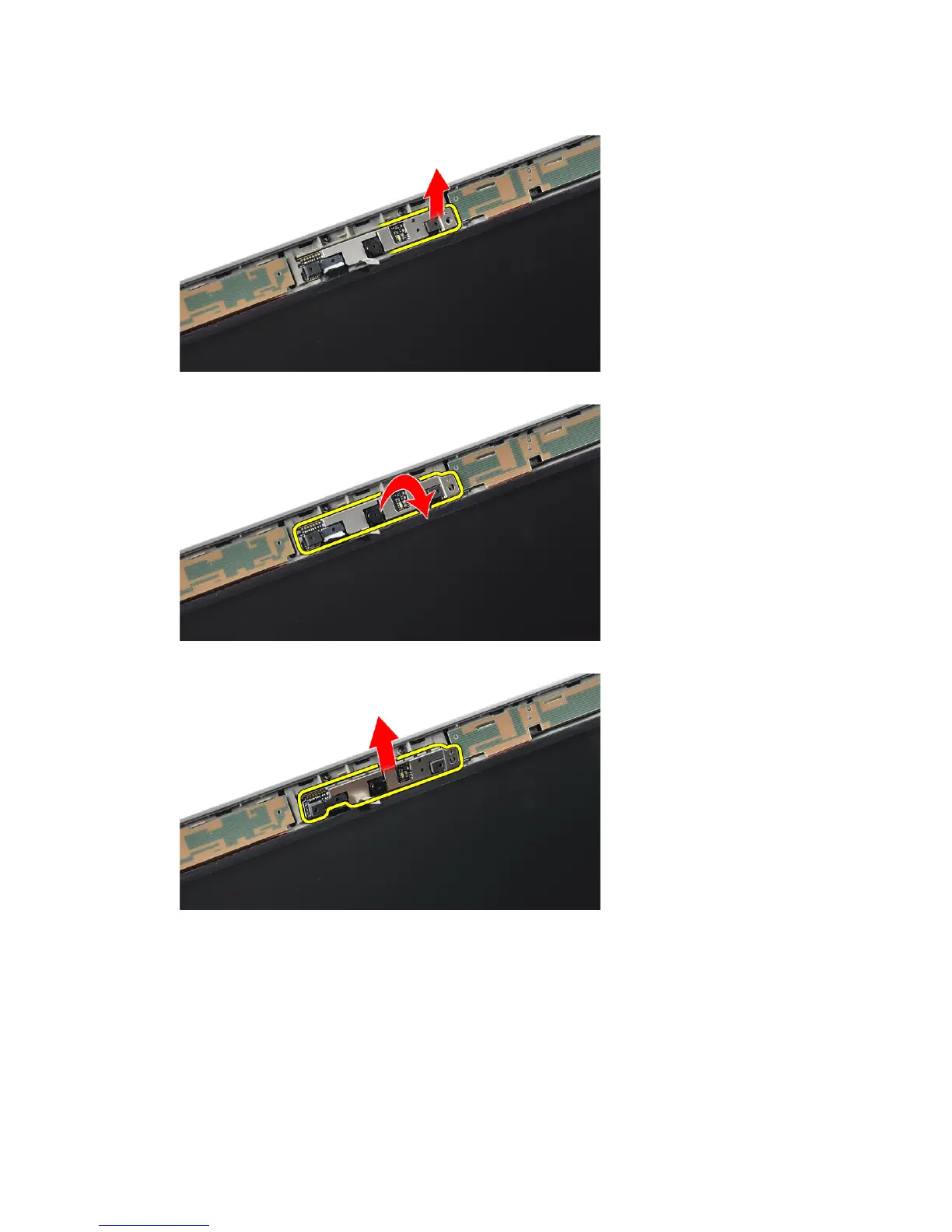
5. Lift up the right edge of the camera.
6. Flip the camera outwards.
7. Disconnect the camera cable and remove the camera.
Installing the Camera
1. Install the camera in its slot on the display panel.
2. Tighten the screw to secure the camera to the display assembly.
3. Connect the camera cable to the camera.
4. Affix the conductive tape.
54















 To Next Page