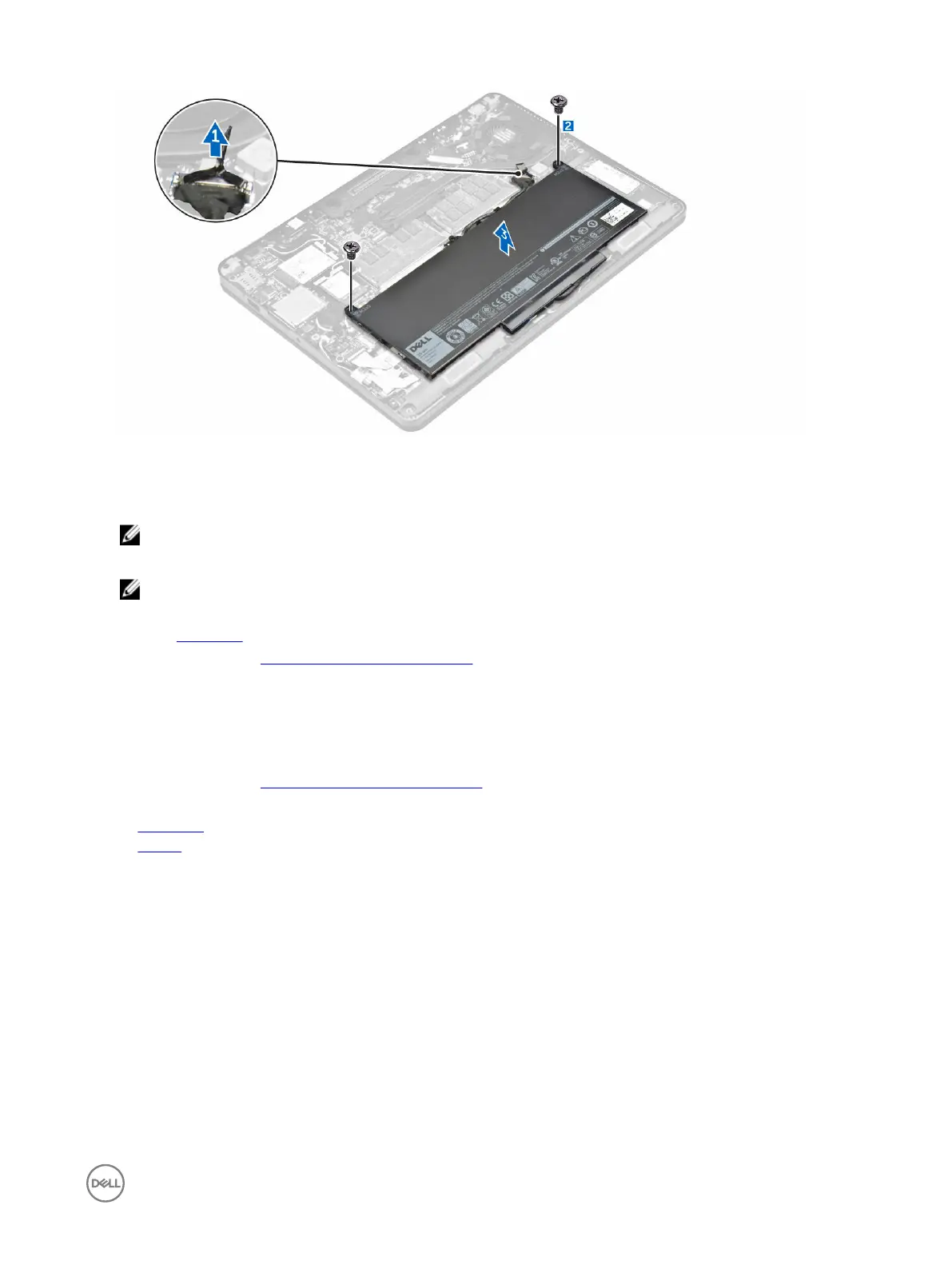
Installing the battery
1. Align the tabs on the battery with the slots on the palmrest.
NOTE: Ensure that the battery cable is routed through the routing clips on the battery.
2. Tighten the screws to secure the battery to the computer.
NOTE: The number of screws will vary depending on the type of battery.
3. Connect the battery cable to the connector on the system board.
4. Install the base cover.
5. Follow the procedure in After working inside your computer.
Solid State Drive (SSD)
Removing the Solid State Drive (SSD)
1. Follow the procedure in Before working inside your computer.
2. Remove the:
a. base cover
b. battery
3. To remove the SSD:
a. Remove the screw that secures the SSD to the computer [1].
b. Remove the SSD from the computer [2].
11














 To Next Page