EasyManua.ls Logo

Dell M5200 Medium Workgroup Mono Laser Printer - Before Reaching the Standard Output bin

Dell M5200 Medium Workgroup Mono Laser Printer
228 pages
Print Icon
To Next Page IconTo Next Page
To Previous Page IconTo Previous Page
Loading...
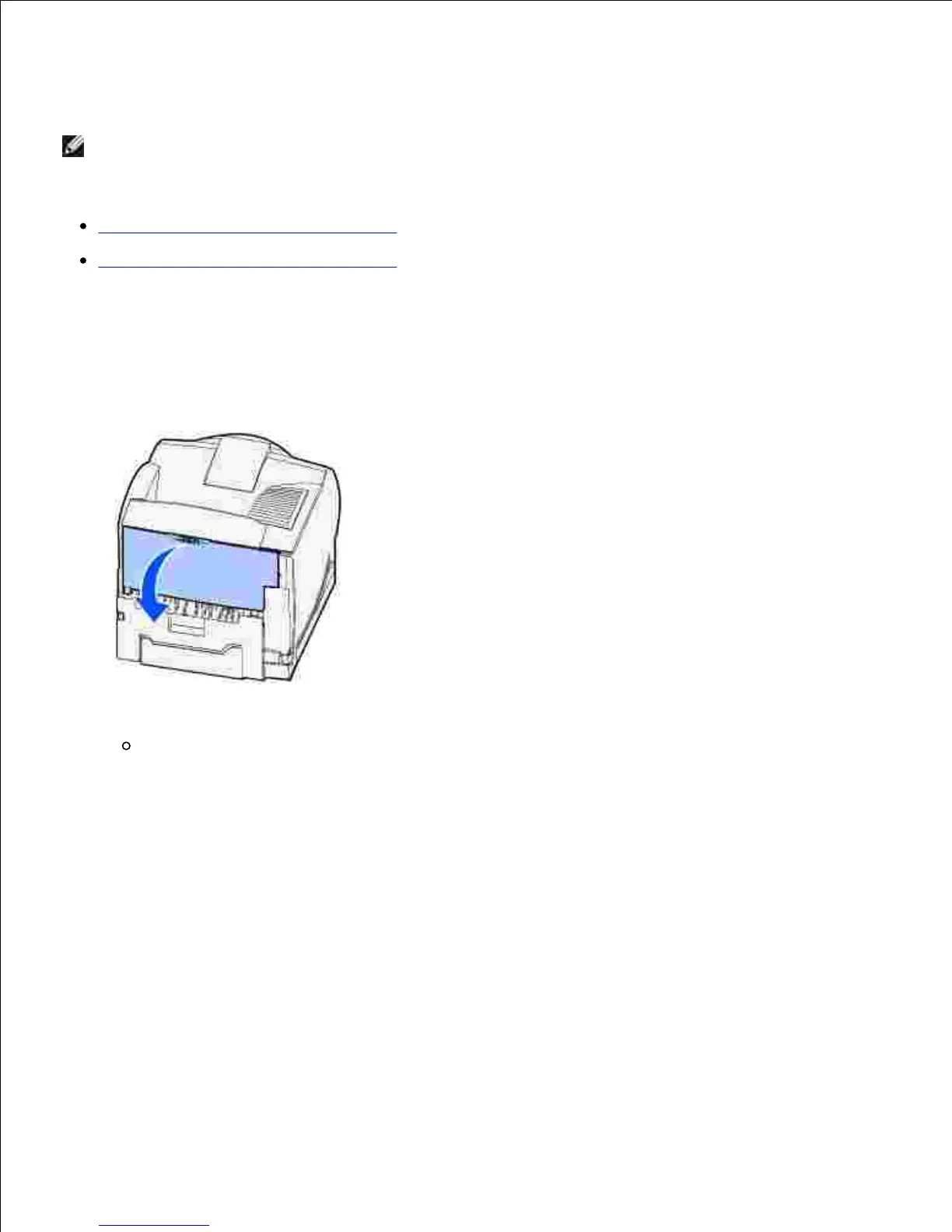
Jams that cause a 202 Paper Jam message require opening the printer rear door.
NOTE: To resolve the message, you must clear all print media from the print media path.
For instructions on clearing the jam, click the area where the jam occurred:
Before reaching the standard output bin
While exiting to the standard output bin
Before reaching the standard output bin
Open the printer rear door.1.
Remove the print media based on what part is visible.
If the middle section of print media is visible, grasp it on both sides and gently pull it straight
out.
2.


Table of Contents

Related product manuals