Make sure the Paper Size and Paper Type for the multipurpose feeder (MP Feeder Size and MP
Feeder Type) are set to the correct value for the print media you are loading. (See Paper Size
and Paper Type for detailed information about these settings.)
Press Go to return to Ready.
4.
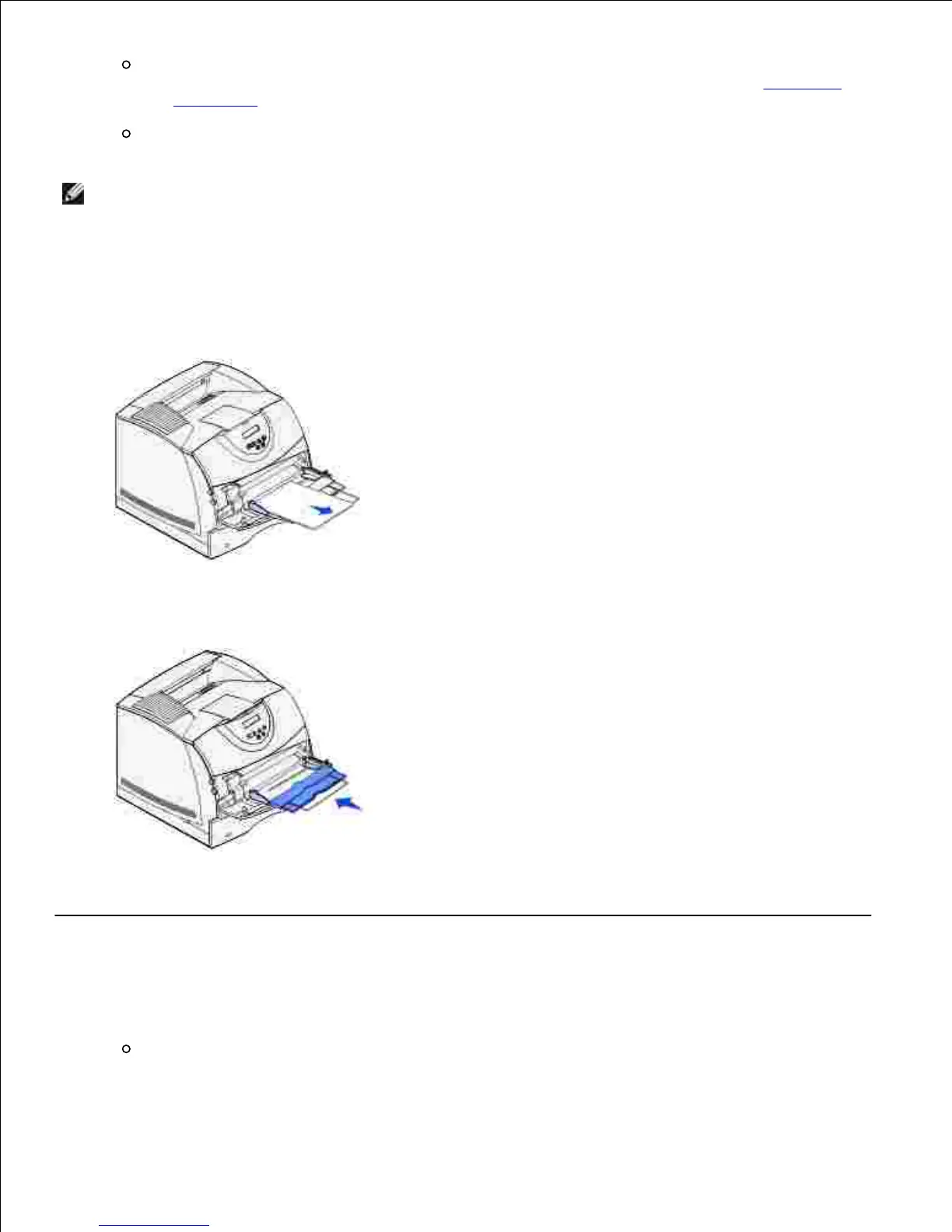
Closing the multipurpose feeder
Remove print media from the multipurpose feeder.1.
Push the metal bar straight back to collapse the multipurpose feeder to its short-length position.2.
Close the multipurpose feeder door.3.
Using and loading the optional envelope feeder
Gently adjust the envelope support for the size you are loading:
Fully closed (pushed in toward the printer) for short envelopes
1.













 To Next Page