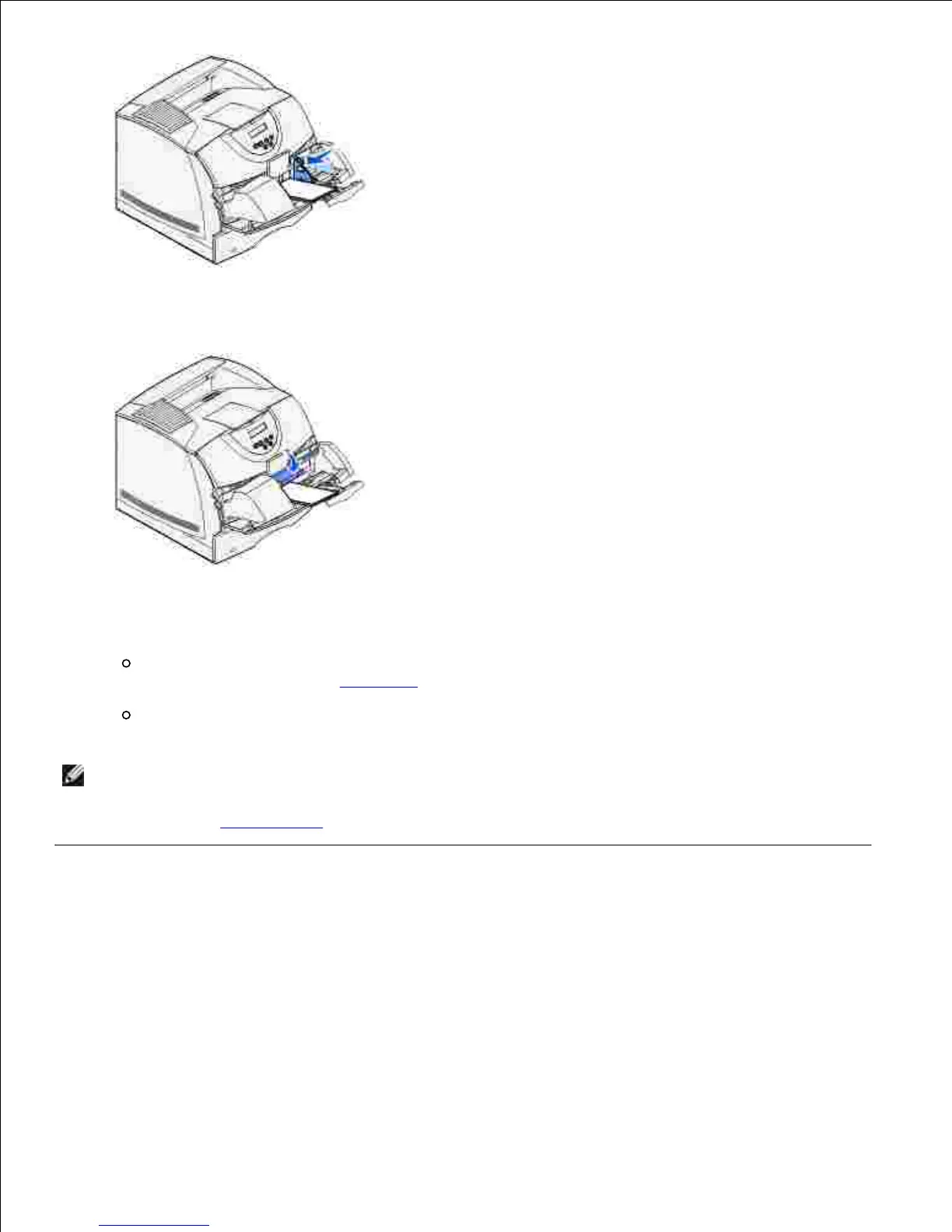
Lower the envelope weight to touch the stack.7.
Select the source, size, and type from your software application.8.
Select the envelope size and type from the printer operator panel:
Make sure the Paper Size for the envelope feeder (Env Feeder Size) is set to the correct envelope
size you are loading. (See Paper Size for detailed information about this setting.)
Press Go to return to Ready.
9.
If envelopes jam, see Clearing jams.
Linking trays
Tray linking enables the automatic linking feature for trays when you load the same size and type of print
media in multiple sources. The printer automatically links the trays; when one tray is empty, print media
feeds from the next linked tray.
For example, if you have the same size and type of print media loaded in tray 2 and tray 3, the printer
selects print media from tray 2 until it becomes empty, and then the printer automatically feeds print media













 To Next Page