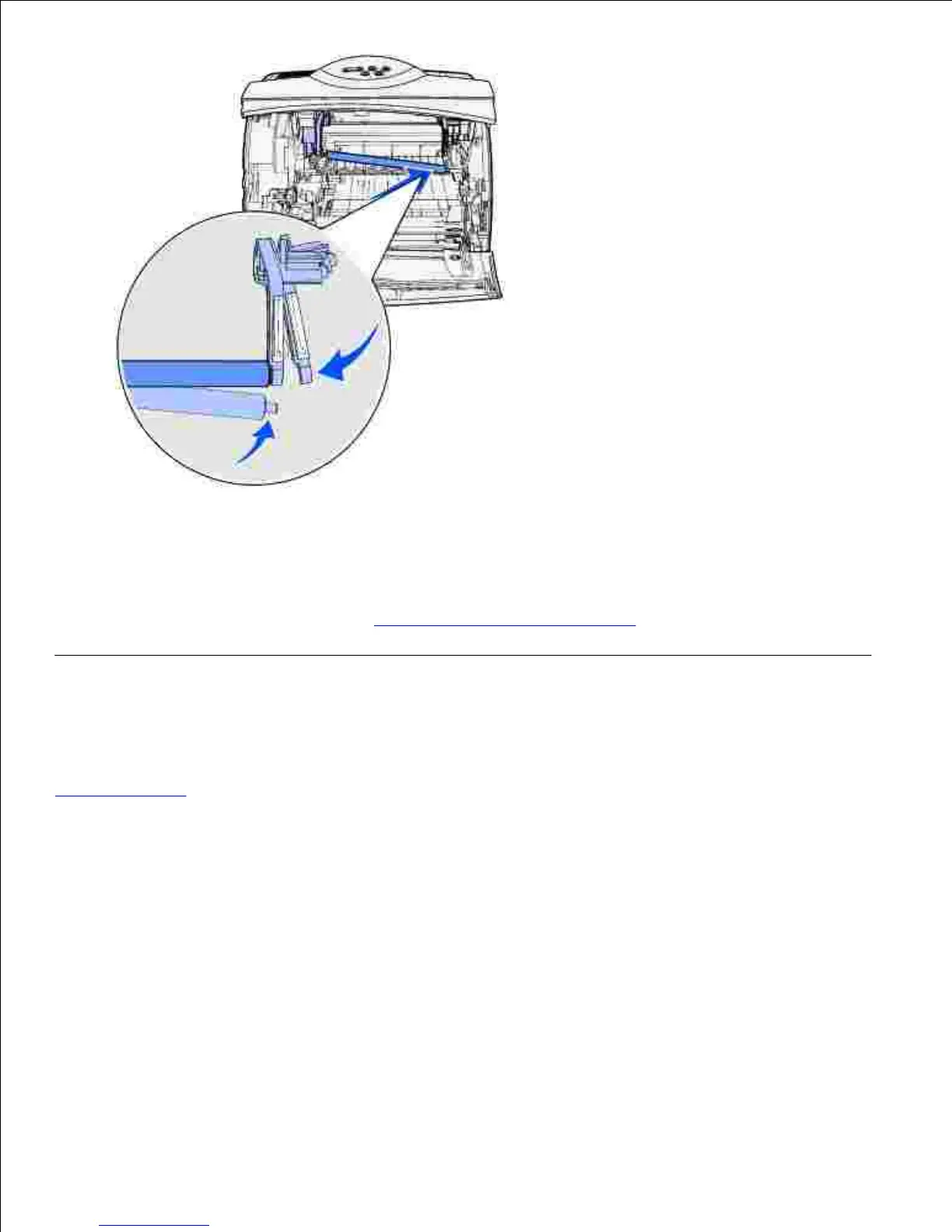
14.
Release the metal arm-like tab.15.
Reinstall the toner cartridge and close the front doors.16.
Plug the printer power cord into a properly grounded electrical outlet.17.
Reset the maintenance counter. See Resetting the maintenance counter.18.
Replacing the transfer roller
Order a new transfer roller when light print, toner fog, or background shading appears on printed pages. See
Ordering supplies for information on ordering a transfer roller.
Complete the following steps to replace the transfer roller. Refer to the documentation that comes with the
transfer roller for detailed installation information.
Turn the printer off and unplug the printer power cord.1.
Open the front doors and remove the toner cartridge.2.
Locate the used transfer roller on the lower floor of the toner cartridge housing.3.
Pry the left side of the transfer roller up from its slot to loosen it. (Use any kind of small tool.)4.













 To Next Page